
Home / Reviews / Setup and privacy
Where to Put an Indoor Security Camera: A Room-by-Room Placement Guide
Where to put an indoor security camera for the widest view, fewer false alerts, and clear night video, room by room, plus the spots to avoid.

Affiliate note: Bestindoorcam.com may earn a commission if you buy through a store link. That does not change which camera we prefer. Read how affiliate links and ads work and how we review.
TL;DR: where to put an indoor security camera
- Best single spot: high in a corner of the main living area, looking across the room toward the door people actually use. One camera there sees more traffic than three cameras anywhere else.
- Second camera: the hallway or stairs that connect the bedrooms to the rest of the house. Anyone moving through the home has to pass it.
- Avoid: pointing at a window, a mirror, or a TV, sitting the camera right next to a heater or air vent, and anything that looks into a bathroom or a room where someone expects privacy.
- Quick test before you commit: open the live view on your phone, walk the path a person would take, and do it again at night with the lights off.
Why placement matters more than the camera
Most of the disappointment we hear about indoor cameras has little to do with the camera itself. A 2K camera aimed at a sunny window will show you a white blob and a silhouette. A pan-and-tilt model tucked behind a plant will spend its life tracking leaves. And a camera that sits next to a radiator will ping your phone every time the heat kicks on, until you mute it and stop looking at it altogether.
Good placement fixes all three. It decides what the camera can see, how well it sees in the dark, how often it bothers you with false alerts, and whether the people you live with feel watched. This guide walks through it room by room, then covers the mistakes we see most often. If you have not picked a camera yet, start with our best indoor security cameras of 2026 and come back here once it arrives.
Five rules that apply to every room
1. Go high, and look across the room, not down at it
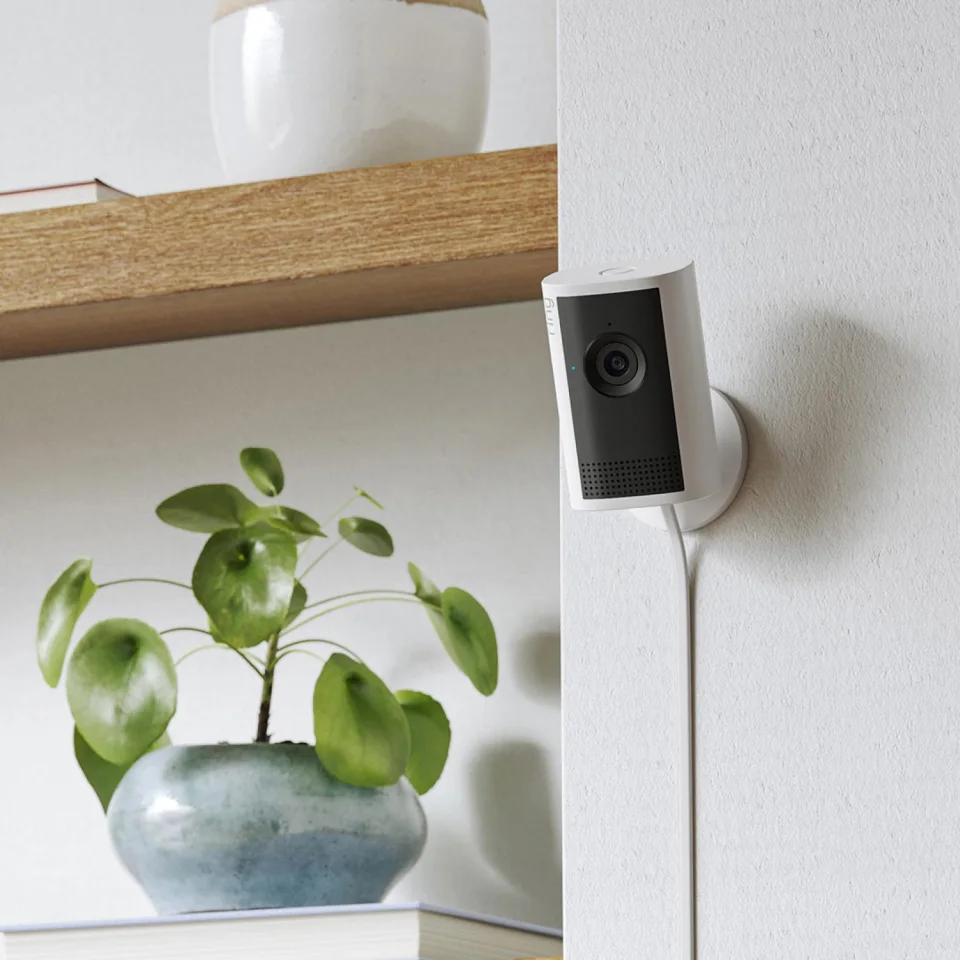
A shelf or bracket around seven feet up, tucked into a corner, gives the widest view and keeps the camera out of reach of kids, pets, and anyone who wants to knock it over. Angle it slightly down so the far wall sits near the top of the frame. Pointing it straight down at the floor wastes most of the lens and turns faces into the tops of heads.
2. Aim at the path, not the room
Think about how a person moves through the space: in through a door, across to a hallway, toward the stairs. Point the camera so that path crosses the frame from side to side. Motion across the view is easier for the camera to detect and easier for you to read later than someone walking straight toward the lens.
3. Keep light sources behind the camera
A camera facing a bright window during the day has to choose between exposing for the window or the room, and it usually gets the room wrong. At night the problem flips: glass reflects the camera's own infrared light straight back into the lens and washes the picture out. Put windows to the side or behind the camera whenever you can.
4. Stay away from heat, air, and things that move on their own
Heaters, air vents, ceiling fans, curtains near an open window, and even a busy fish tank all create the kind of motion that triggers alerts. Give the camera a clear view that is still when nobody is home. That is the single biggest fix for a camera that "goes off all the time."
5. Check Wi-Fi and power before you drill anything
Many budget indoor cameras only connect to 2.4 GHz Wi-Fi, which travels farther than 5 GHz but can still struggle through several walls. Hold your phone where the camera will go and check the signal, and make sure the power cable can reach an outlet without stretching across a walkway.
Room by room
Living room
This is where your first camera should go in almost every home. Pick the corner diagonally opposite the main entrance so the door, the seating area, and any doorway to the kitchen or hallway are all in view. If the room has a large window, choose the corner that keeps it to one side. Pan-and-tilt cameras do well here because one unit can cover the whole room, but a fixed camera with a wide lens in the right corner usually sees just as much. Our pan-and-tilt picks are a good starting point if your living room is an L-shape or an open plan.
Hallways, stairs, and entryways
A hallway is the best "second camera" spot because it is a choke point. Anyone moving between the bedrooms and the rest of the home walks past it. Put the camera at one end, around head height or a little higher, looking down the length of the hall toward the door. Narrow spaces make faces large in the frame, which is exactly what you want if you ever need to share a clip. We cover cameras that suit this job in best indoor cameras for hallways and entryways.
Kitchen and back door
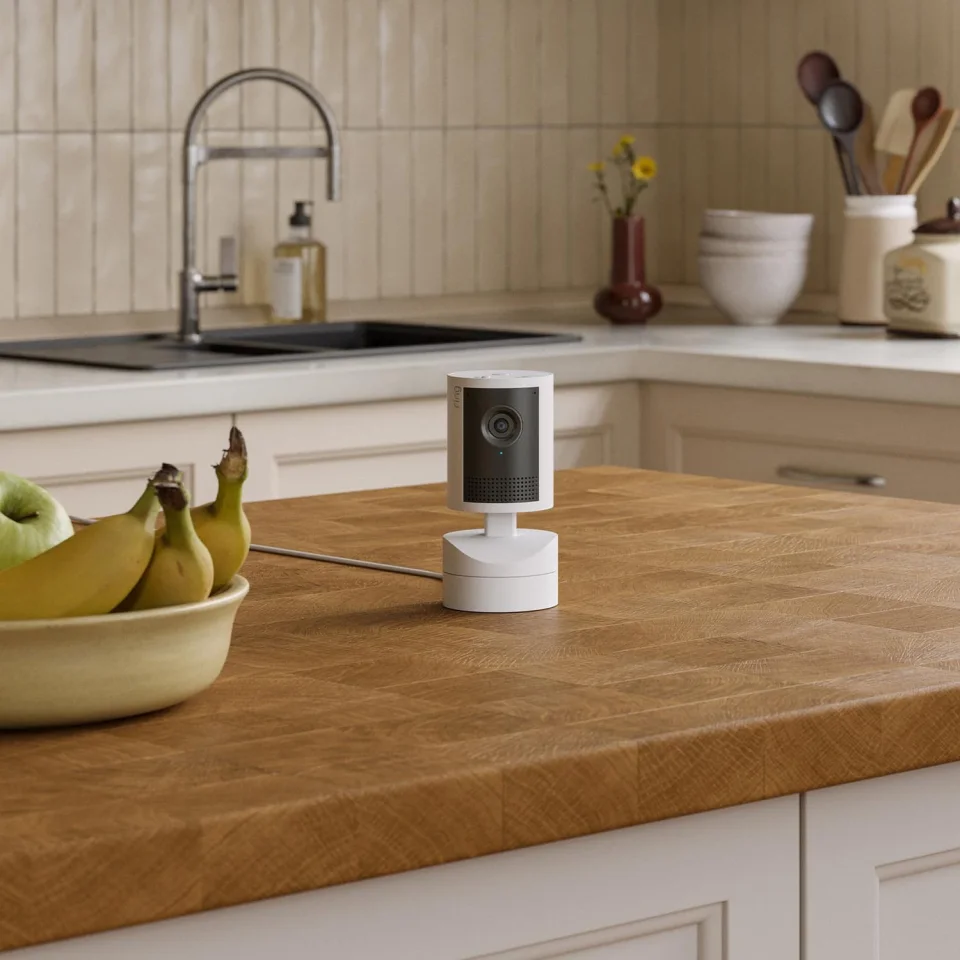
If you have a back or side door, a camera in the kitchen often covers it better than one outside. Mount it away from the stove and kettle, since steam and smoke can fog the lens over time, and keep it out of the splash zone around the sink.
Nursery or a child's room
Mount the camera high and well out of reach, at least three feet from the crib, and run the cable along the wall so there is nothing a child can pull on. Angle it so the whole sleep space is in view without looking straight down. If you are choosing a camera for this job, see our nursery camera guide.
Pets
Lower is better for pets. A camera on a TV stand or low shelf, aimed at the food bowl, the bed, or the spot by the door where your dog waits, will catch far more than one near the ceiling. Turn on pet detection if your camera has it, and consider muting person alerts while you are out so you are only told when something actually changes. Our best cameras for pets covers models with treat tossing and bark alerts.
Home office
Point the camera at the door and any equipment you care about, not at your screen or your desk. Video calls, passwords, and documents should not end up in a clip saved to the cloud.
Where not to put a camera
- Bathrooms, and anywhere people undress. Not even "just the doorway." It is a privacy line that is not worth crossing, and in some places it can create legal problems too.
- Facing a TV or mirror. A TV screen produces constant motion, and a mirror reflects the camera's infrared light back at it at night.
- Right behind window glass at night. Unless the camera is designed to mount on a window, the glass will reflect its infrared light and you will mostly record your own reflection.
- Pointed at a neighbor's home or a shared hallway. Keep the view inside your own space. Renters should also check their lease. Our guide for renters covers cameras that need no drilling.
Respect the people you live with
A camera that makes your family or roommates uncomfortable will get unplugged. Tell everyone where cameras are, agree on which rooms are off-limits, and use your app's schedule or home-and-away modes so cameras switch off while people are home. Many cameras also have a privacy mode or a physical shutter that closes the lens; it is worth using. Visitors and anyone you employ, such as a nanny or a cleaner, should be told too. Rules on recording audio vary by state and country, so check yours if your camera records sound.
The five-minute placement test
- Put the camera in place temporarily, using tape or a stack of books, before you drill anything.
- Open the live view on your phone and walk the path a person would take through the room.
- Check that a face is recognizable at the far side of the frame, not just a shape.
- Turn the lights off and repeat. Look for glare, reflections, and dark corners.
- Leave it for a day and count the alerts. If you get alerts with nobody home, move the camera away from the cause or draw an activity zone around it.
Storage and security after setup
Once the camera is placed, decide where its recordings live. A microSD card keeps clips at home with no monthly fee, while a cloud plan keeps them safe even if the camera is stolen. We compare both in local storage vs a subscription. Then turn on two-factor sign-in for the camera app, use a unique password, and keep the firmware updated. Our Tapo firmware fix guide shows why that last step matters.
FAQ
How high should an indoor security camera be?
Around seven feet works well in most rooms. It is high enough to see over furniture and stay out of reach, but low enough to still capture faces. For pets, go lower, at about the height of a TV stand.
Should an indoor camera face the front door?
Usually yes, but from across the room rather than right next to it. That way you see who comes in and where they go next, not just a close-up of the door frame.
Can an indoor camera see through a window?
In daylight, often yes, but expect glare. At night most cameras cannot, because the glass reflects their infrared light. Window-mount cameras are designed around this problem.
How many indoor cameras do I need?
Most apartments are well covered by one camera in the main room. Most houses need two, one in the main living area and one in the hallway or stairs between floors.
Why does my camera send so many false alerts?
The usual causes are sunlight moving across the floor, heaters and vents, ceiling fans, curtains, and pets. Move the camera so these are out of view, lower the motion sensitivity, or draw activity zones that leave them out.
Comments
No notes yet. If you own one of these cameras, tell us what the spec sheet left out.