
Home / Reviews / Setup and privacy
Tapo C200 & C120 Security Flaws: The Firmware Fixes to Install Now

Affiliate note: Bestindoorcam.com may earn a commission if you buy through a store link. That does not change which camera we prefer. Read how affiliate links and ads work and how we review.
Overview: what happened, and why it is back in the news
Security researchers at OPSWAT reported a set of flaws in two of TP-Link's most popular indoor cameras in April 2026. TP-Link confirmed the findings in July, published the first fixes in August, and issued its first official advisory on 18 August 2026 (updated 27 August). That advisory covered two flaws. On 1 October 2026, TP-Link published a second advisory adding four more — including a command-injection flaw that researchers have now shown can be chained with the original login bypass to seize complete control of the camera. Fresh coverage of that takeover chain landed on 15–16 October, which is why "Tapo C200 vulnerability" searches are spiking again.
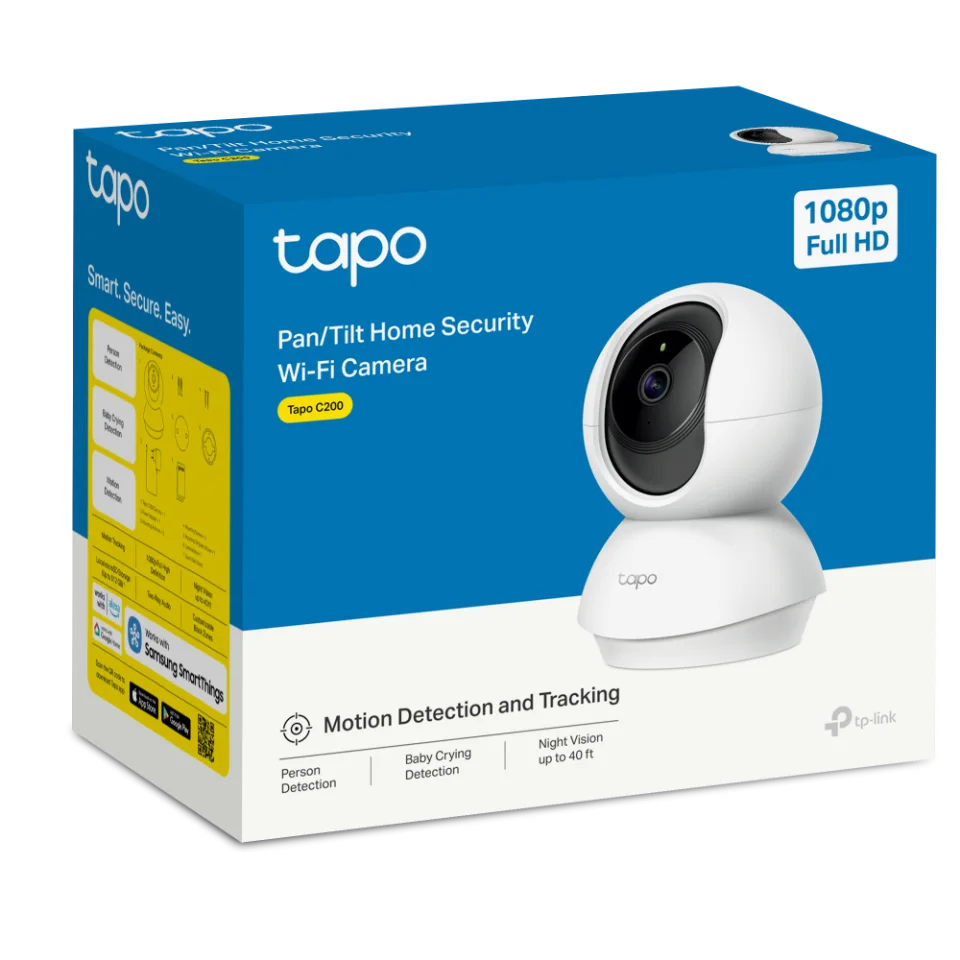
The good news: every flaw TP-Link has disclosed for these two models now has a fixed firmware version. The catch is that you have to install it — and you have to check your hardware version first, because only specific hardware revisions are affected. This guide pulls every confirmed detail from TP-Link's own advisories into one place: which models and versions are affected, what each flaw does, and the exact firmware numbers that make you safe. For the cameras themselves, see our full Tapo C200 review and Tapo C120 review.
The six confirmed flaws (verified against TP-Link's advisories)
| CVE | Affects | What it does | CVSS 4.0 | Fixed in |
|---|---|---|---|---|
| CVE-2026-15315 | C200 V5, C120 V1 | Authentication bypass: an attacker on the local network can replay login challenge data and obtain an admin session without the password — opening live video, recordings and settings. | 8.7 High | C200: 1.4.6 · C120: 1.9.3 (superseded by 1.9.4) |
| CVE-2026-102369 | C200 V5, C120 V1 | Remote code execution via the MacTool diagnostic handler: chained with the login bypass, it lets an unauthenticated local attacker run arbitrary commands on the camera — full device compromise. | 8.7 High | C200: 1.4.6 · C120: 1.9.4 |
| CVE-2026-15316 | C200 V5 | Denial of service: oversized encrypted credential input during setup crashes or restarts the camera, knocking out HTTPS management and monitoring until it recovers. | 7.1 High | C200: 1.4.6 |
| CVE-2026-9032 | C200 V5, C120 V1 | Denial of service: a malformed onboarding request crashes the HTTPS service; repeated requests can keep the camera down, sometimes until a reboot. | 7.1 High | C200: 1.4.6 · C120: 1.9.4 |
| CVE-2026-78578 | C200 V5, C120 V1 | Unauthenticated Wi-Fi reconfiguration: an attacker on the network can push new wireless settings, disconnecting the camera from your home Wi-Fi entirely. | 7.1 High | C200: 1.4.6 · C120: 1.9.4 |
| CVE-2026-78577 | C200 V5, C120 V1 | Information disclosure: the unauthenticated onboarding scan leaks nearby Wi-Fi details (network names, BSSIDs, encryption modes, signal strength). | 5.3 Medium | C200: 1.4.6 · C120: 1.9.4 |
Source note: all flaw descriptions, scores, affected versions and fixed firmware builds are taken from TP-Link's official security advisories — the 18 August 2026 advisory (CVE-2026-15315 / CVE-2026-15316, updated 27 August) and the 1 October 2026 advisory (CVE-2026-9032, CVE-2026-78577, CVE-2026-78578, CVE-2026-102369) on tp-link.com. Fixed builds: C200 V5_1.4.6 Build 260709 Rel.27675n; C120 V1_1.9.4 Build 260813 Rel.79754n.
What changed with the October advisory
The August story was serious but limited: a login bypass meant someone already on your network could watch and reconfigure a C200 V5 or C120 V1. The October batch changes the stakes. CVE-2026-102369 abuses a diagnostic service (MacTool) that does not properly clean up attacker-controlled input. On its own it is bad; chained after the login bypass, researchers demonstrated it can hand over full control of the camera's operating system — the difference between someone peeking through your camera and someone owning it, installing software on it, and potentially using it as a foothold against other devices on your network.
Two honest limits keep this in proportion. First, every one of the six flaws requires the attacker to be on the same local network (all six carry an "adjacent network" attack vector) — none of them is directly exploitable from the open internet unless you have port-forwarded the camera, which you should never do. Second, neither TP-Link nor the researchers have reported confirmed exploitation against real owners. The risk is real but conditional: a compromised or shared Wi-Fi network is the doorway, which is exactly why the fix below matters.
How to check your camera and update it
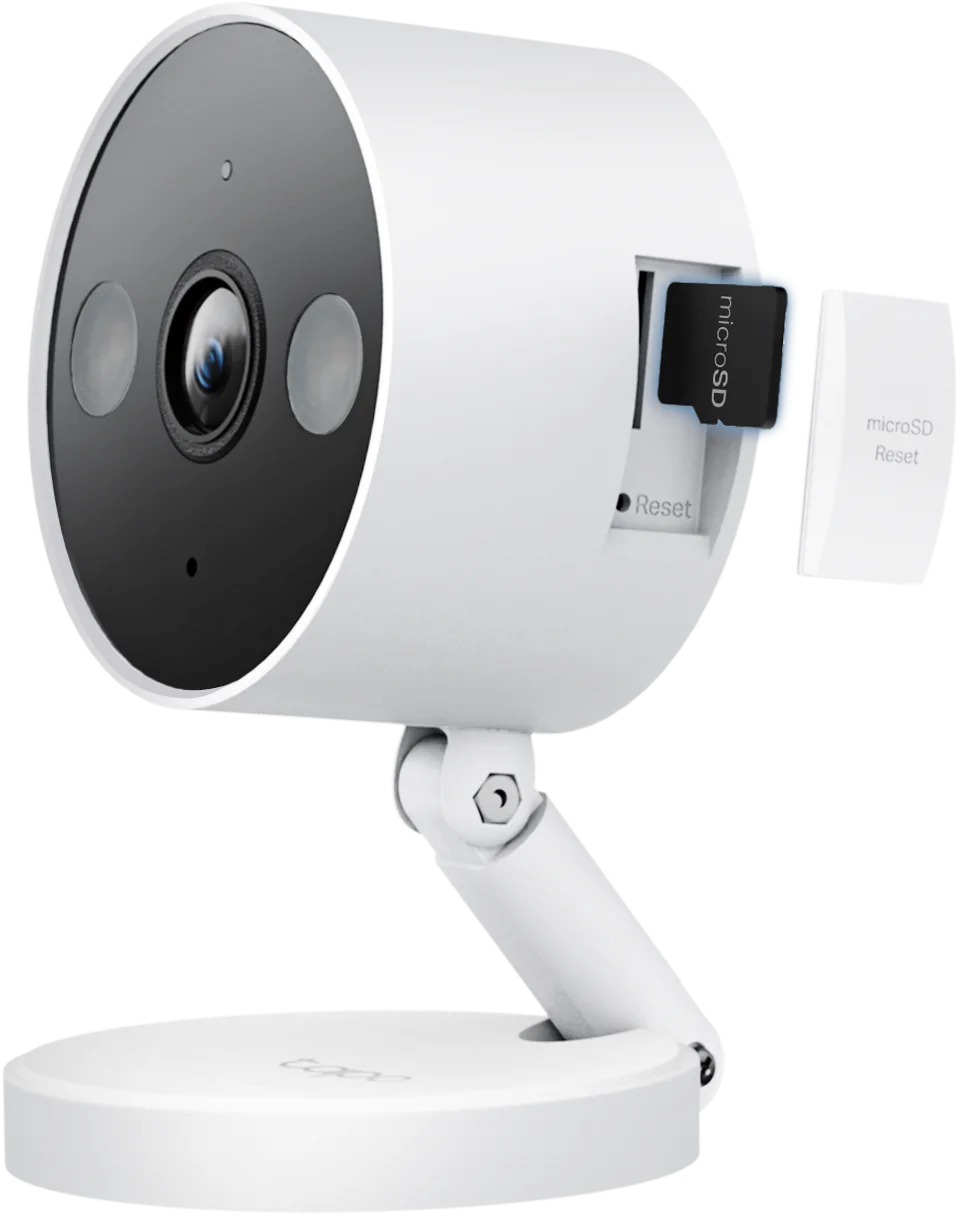
- Find your hardware version. It is printed on the label on the camera itself (for example "V5" on a C200 or "V1" on a C120). Only C200 V5 and C120 V1 are listed in the advisories — other hardware versions are not named as affected.
- Check your firmware in the Tapo app: open the camera, tap Device Settings, then Firmware Update.
- Compare against the safe builds. C200 V5 is safe on 1.4.6 Build 260709 or newer. C120 V1 needs 1.9.4 Build 260813 or newer — note that the earlier 1.9.3 build fixed only the first two flaws, so a C120 on 1.9.3 still needs the 1.9.4 update.
- Update and reboot. Install the update from the same Firmware Update screen and let the camera restart. Do not unplug it mid-update.
- While you are there: change the camera's account password if you have ever shared it, and check the app's device-sharing list for people you do not recognise.
If you cannot update right away: move the cameras onto a guest or IoT Wi-Fi network separate from your laptops and phones, make sure no port forwarding points at them, and use a strong, unique Wi-Fi password. Those steps close the "same network" doorway every one of these flaws needs. If you are picking a replacement or a second camera in the meantime, the Tapo C210 and the newer Tapo C216 are different models that do not appear in these advisories — and our guide to local storage vs subscription cameras explains why local recording limits what any single compromised account can expose.
TP-Link's response: the balanced view
What went right: TP-Link worked through coordinated disclosure with the researchers, confirmed the findings, shipped fixes for every disclosed flaw, and published detailed advisories naming exact CVE numbers, scores and fixed builds — the transparency owners need to protect themselves.
What to watch: the fixes arrived in two waves two months apart, and the second wave was worse than the first — owners who updated in August could reasonably have believed the story was over. The episode is a reminder to turn on automatic firmware updates in the Tapo app and to treat camera firmware with the same seriousness as phone updates.
Who needs to act
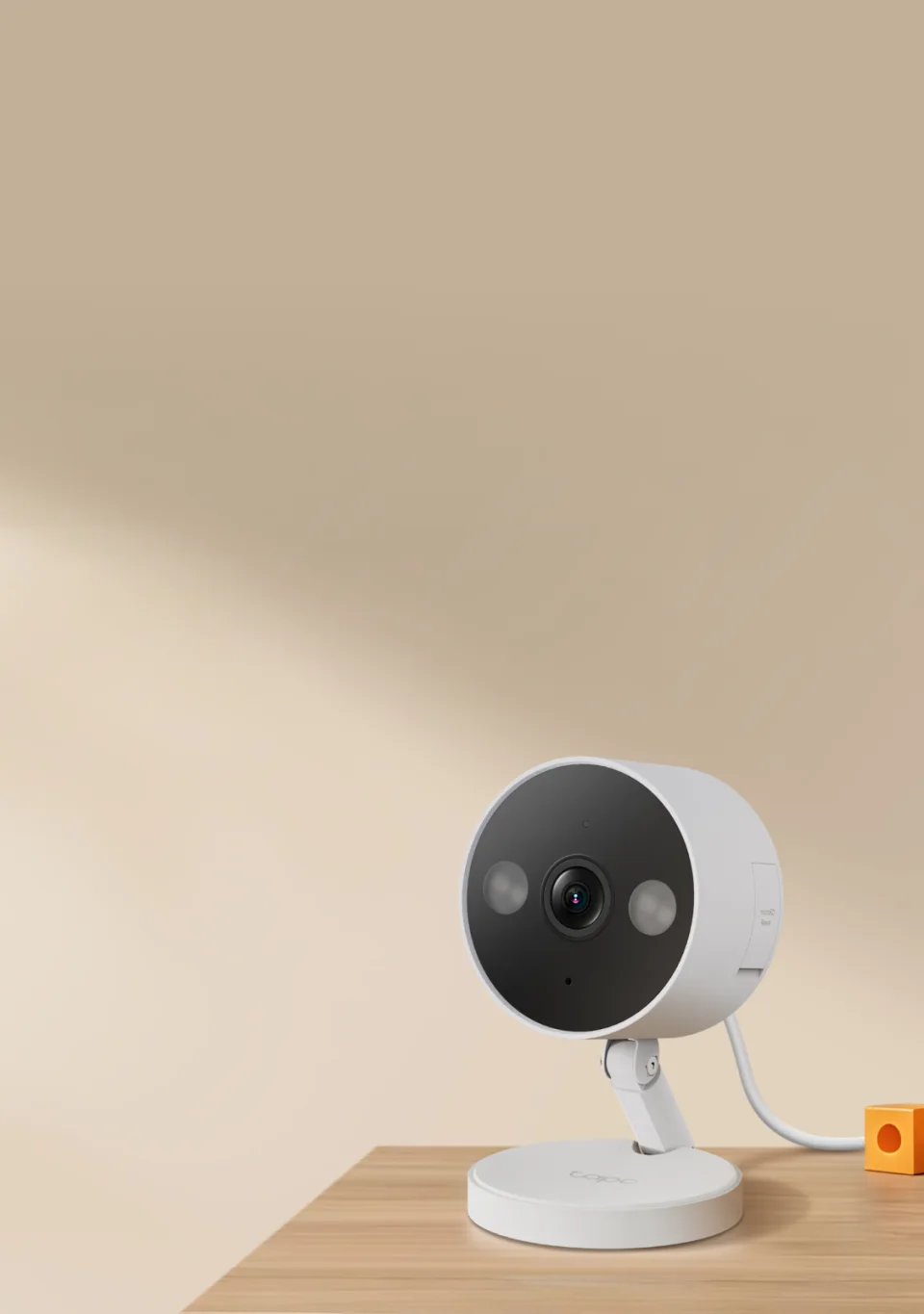
Act today if you own a Tapo C200 with hardware V5 or a Tapo C120 with hardware V1 — above all if the camera is used as a baby monitor or watches a child's room, the exact setup the researchers singled out, because the bypass exposes live video, night vision, crying detection and two-way audio. Check anyway if you are unsure of your hardware version; the label takes ten seconds to read. Shopping now? A C200 or C120 running the fixed firmware is patched against everything disclosed so far — just update it during setup, before you mount it.
FAQ
Which Tapo cameras are affected by the 2026 security flaws?
Per TP-Link's advisories, only the Tapo C200 hardware version V5 and the Tapo C120 hardware version V1. Other Tapo models and other hardware versions of these two cameras are not named in either advisory.
What firmware version makes my Tapo C200 or C120 safe?
C200 V5: firmware 1.4.6 (Build 260709) or newer fixes all six flaws. C120 V1: firmware 1.9.4 (Build 260813) or newer — the earlier 1.9.3 build covered only the first two flaws from August.
Can hackers attack my Tapo camera from the internet?
Not directly, based on TP-Link's advisories: all six flaws require the attacker to be on the same local network. The exception is a camera you have exposed with port forwarding — remove that immediately. A strong Wi-Fi password and a separate guest/IoT network are meaningful protection.
Have these Tapo flaws been exploited against real users?
No confirmed exploitation against owners has been reported by TP-Link or by the OPSWAT researchers who found the flaws. The October research demonstrated the takeover in a lab; public details raise future risk, which is why updating promptly is the right move.
Should I stop using or return my Tapo C200 or C120?
There is no need to stop using a camera that is running the fixed firmware — the disclosed flaws are patched. If your camera cannot update for some reason, isolate it on a guest network until it can, and contact TP-Link support.
Where to buy
#Tapo C200 #tapo c120 #TP-Link Tapo #camera security #firmware update
Comments
No notes yet. If you own one of these cameras, tell us what the spec sheet left out.