
Home / Reviews / Setup and privacy
How to Stop False Motion Alerts on an Indoor Security Camera
Most false motion alerts come from light changes, reflections, pets, and zones that are too big. Here is how to find the trigger and fix it with zones, sensitivity, person alerts, and placement, using each brand's own guidance.

Affiliate note: Bestindoorcam.com may earn a commission if you buy through a store link. That does not change which camera we prefer. Read how affiliate links and ads work and how we research and review cameras.
Last updated: October 26, 2026
To stop false motion alerts on an indoor camera, change what the camera watches and what it tells you about: draw a tight motion or activity zone, lower the sensitivity a step or two, and switch notifications to people only if your camera supports it. Most false alerts come from light changes, reflections, pets, and fans or curtains in the frame, so moving the camera a little often fixes more than any setting.
TL;DR: how to cut false motion alerts
- Find the trigger first. Watch a few of the unwanted clips and note what moved: light, a pet, a curtain, a TV, or a reflection.
- Draw a small zone. Use motion zones (Ring), activity zones (Blink, Google Nest), or detection zones (Wyze, Tapo) around the area you care about, such as a door.
- Lower sensitivity in small steps. Drop it one or two notches, test for a day, then adjust again.
- Get alerts for people only. Person detection filters out pets and light changes, though some brands require a subscription for it.
- Move the camera. Aim it away from windows, mirrors, screens, and lamps that switch on and off.
Why does my indoor camera send so many false motion alerts?
Short answer: most plug-in indoor cameras detect motion by comparing video frames and flagging changed pixels, so anything that changes the picture counts as motion: sunlight moving across the floor, a lamp turning on, a reflection, a pet, or a curtain moving in a draft.
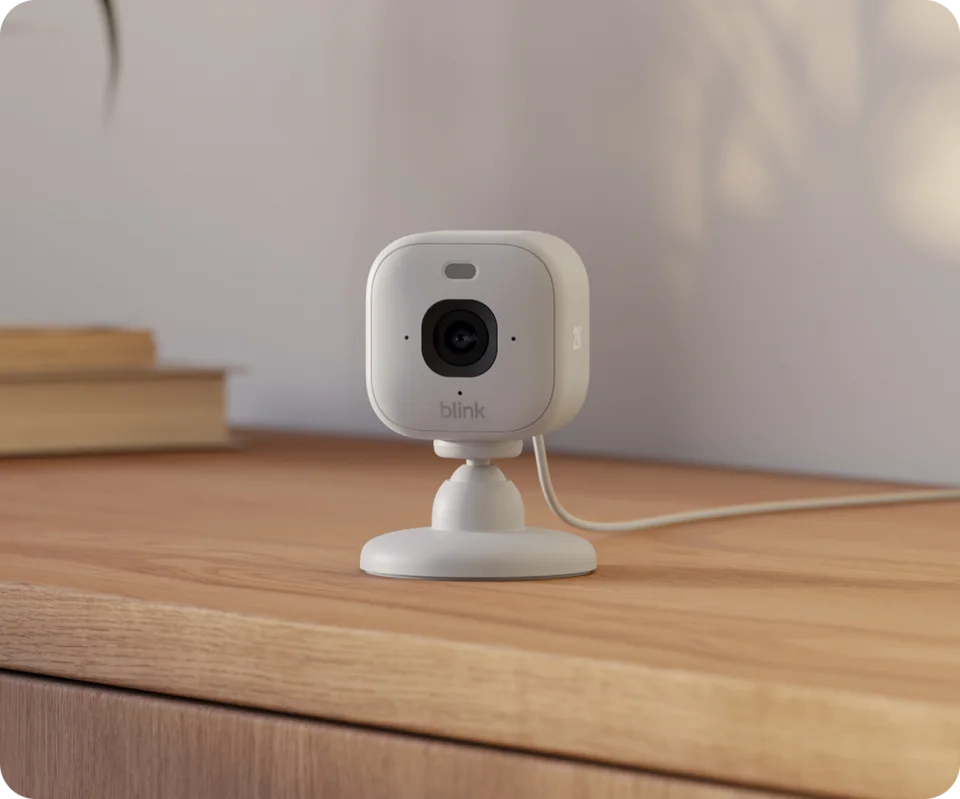
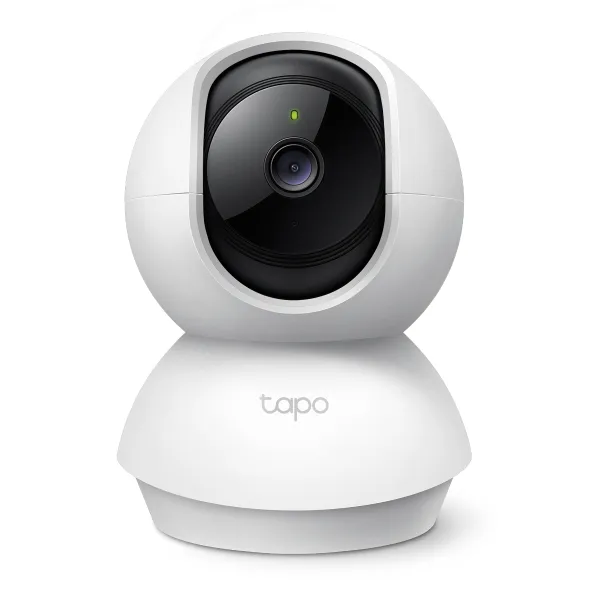
Wyze explains in its detection settings guide that its cameras record motion when large clusters of pixels change, which can be a small object close to the lens or a big one farther away. TP-Link describes the same frame-comparison method for Tapo cameras in its guide to reducing unwanted detections, and says battery models often add a PIR (passive infrared) sensor that reacts to body heat instead, in its detection troubleshooting article. Blink says its cameras use either PIR or pixel analysis depending on the model, in its motion sensitivity article.
Indoors, the usual triggers are:
- Sunlight and shadows moving through the day, and lamps or TVs switching on.
- Reflections in windows, mirrors, glass doors, and glossy floors.
- The camera switching between day mode and infrared night vision.
- Pets, ceiling fans, curtains, and plants near a heating or cooling vent.
- Car headlights shining through a window at night.
How do I find out what is triggering the alerts?
Short answer: open the last ten or so unwanted clips and look at the first second of each. If the same thing moves every time, such as a patch of sunlight or the cat, you know which fix to use.
Some apps make this easier. Wyze cameras can draw a green box around the moving object with Motion Tagging, which Wyze describes in its Motion Tagging article. Note the time of day too: alerts that cluster at sunrise, sunset, or when a lamp timer clicks on point to light, not to movement.
How do motion zones stop false alerts?
Short answer: a zone tells the camera which part of the picture matters. Motion outside it is ignored, or at least doesn't notify you, so a window, TV, or pet bed can be left out while the door stays covered.
Every major brand has a version of this, under different names and with different limits:
| Brand | Feature name | What the manufacturer says | Source |
|---|---|---|---|
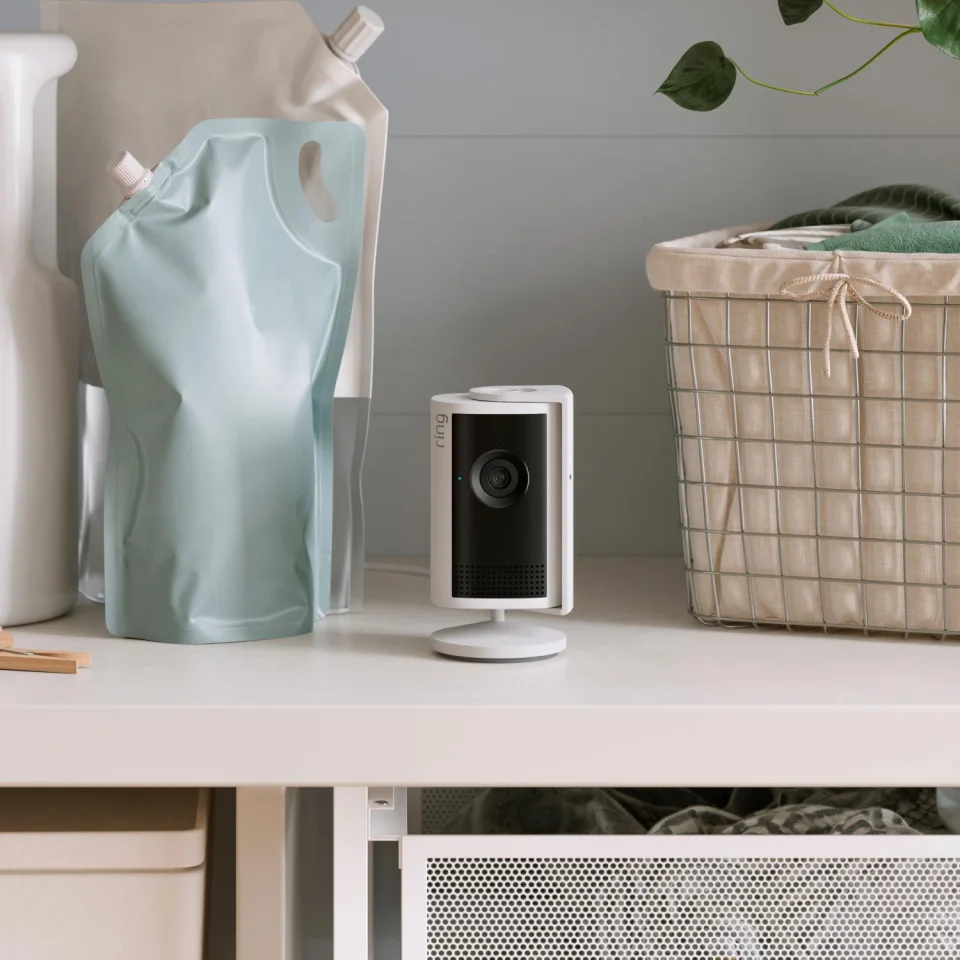
| Ring | Motion Zones | Up to three zones per device. Ring notes that a window or mirror in view can affect motion detection. | Ring Motion Zones |
| Blink | Activity Zones (Motion Zones in the app) | Available on all Blink cameras. You gray out grid squares that should be ignored; tap Update Photo first so the grid matches the current view. | Blink Activity Zones |
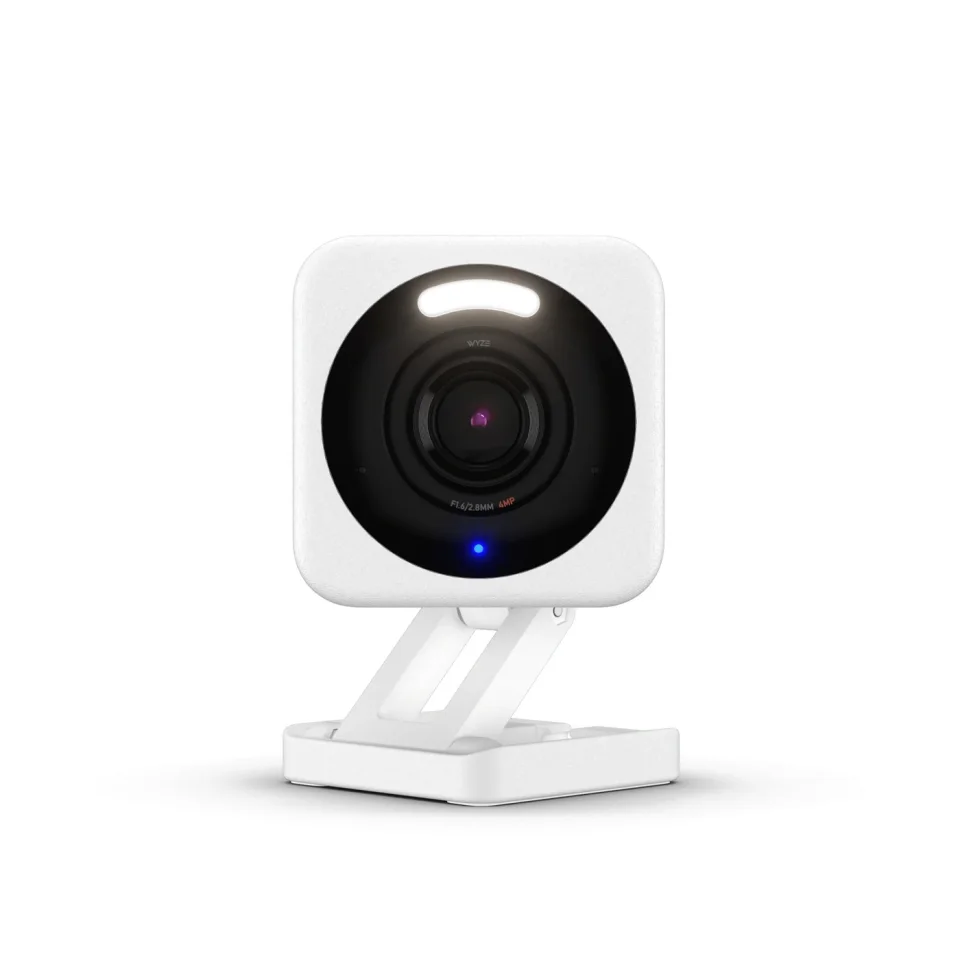
| Wyze | Detection Zone | Everything outside the zone is ignored and won't trigger an event video. Turning on Pan Scan on a Wyze Cam Pan switches the zone off. | Wyze Detection Zones |
| TP-Link Tapo | Detection Zones | Set one zone for all detection types or a different zone for each type, under Device Settings, then Detection. | Tapo detection zones |
| Google Nest | Activity Zones | Up to 4 zones per camera, free for cameras set up in the Google Home app. The original Nest Cam Indoor needs a Nest Aware subscription for zones. | Nest Activity Zones |
Tips for drawing a zone that works
- Keep it small. Google says smaller, more precise zones give more accurate alerts, and that objects outside a large zone can still trigger it.
- Cover the path, not the room. Draw around the door, hallway, or stairs a person would actually use.
- Leave out light sources. Exclude windows, TVs, mirrors, and lamps.
- Redo it after you move the camera. A zone drawn on an old view no longer lines up.
Zones are not a perfect wall. Blink explains that light, such as headlights at night, can change pixels inside an active zone even when the source is outside it, and Wyze says Motion Tagging can tag motion whose frame only touches the zone. If an alert keeps slipping through, the fix is usually the camera's angle, not a smaller zone.
Should I lower the motion sensitivity?
Short answer: yes, but in small steps. Lower it one or two notches, live with it for a day, and stop when the junk alerts drop without missing someone walking through the room.
Sensitivity controls how much change it takes to count as motion. Wyze's slider runs from 1 to 100 and sets the percentage of changed pixels needed for an event. Blink's runs from 1 to 9, with a default of 5 on most models; Blink says low settings (1 to 4) need more movement over a longer time, and suggests moving the slider two or three steps left, then walking through the view to test. Ring's blog recommends lowering sensitivity one or two notches before resizing zones in its motion zones guide.
TP-Link warns about the trade-off: set it too low and you may miss alerts for a real person or animal. Always test with a walk-through after each change.
How do I get alerts for people only?
Short answer: turn on person detection (called Smart Alerts on Ring and AI Detection on Tapo) and switch off notifications for general motion. Pets, light, and shadows then stop pinging your phone, though some brands charge a subscription for it.
| Brand | Where to find it | Subscription needed? | Source |
|---|---|---|---|
| Ring | Device page, Motion Settings, Smart Alerts | Yes, Ring says a Ring subscription is required for Smart Alerts | Ring alerts guide |
| Blink | Device Settings, Motion Settings, Motion Recording Types (people only), on Mini 2 and some other models | Yes, Blink says person detection needs a Blink subscription plan | Blink device settings |
| TP-Link Tapo | Camera Settings, Detection & Alerts, AI Detection | Check your model's page; features vary by camera | Tapo unwanted detections |
| Wyze | Account, Notifications, then choose the device and the triggers you want | Check your plan; AI event types vary | Wyze too many notifications |
| Google Nest | Camera settings, Notifications, choose event types | Varies by camera and app; see Google's alerts guide | Nest alerts troubleshooting |
On Ring, Smart Alerts still detect and record all motion; you simply choose which types notify you. On Google Nest, turning an event type off entirely means it isn't marked in your video history either, so turning off its notification is the gentler option. If you don't want a subscription, local storage cameras with free on-device person detection are worth a look; we compare the trade-offs in local storage vs a subscription.
Why does my camera alert when the lights change or night vision turns on?
Short answer: a sudden change in brightness changes most of the pixels in the picture at once, which looks like motion to a pixel-based camera. Keep lamps and windows out of the zone, and avoid pointing the camera at glass.
TP-Link says aiming a camera at glass causes glare and infrared reflection at night, which can lead to inaccurate detection, and that unwanted detections are more likely when the camera is in night vision with its infrared light on. Practical fixes:
- Don't place the camera right behind a window or facing a mirror; the infrared light bounces back.
- Put lamps on timers that switch at times you're usually home, or leave the lamp out of the zone.
- Keep at least a little steady light in the room at night if the switch between day and night mode keeps setting off alerts.
Our room-by-room camera placement guide covers angles and heights that avoid most of these problems.
How do I stop my pet from setting off the camera?
Short answer: use person-only alerts if your camera has them, leave the pet's bed, bowl, and favorite window out of the zone, and mount the camera higher so the floor takes up less of the frame.
Blink notes that motion depends on position, not size: an object moving close to the lens, or across the frame, registers as more motion than a person walking straight toward the camera. A cat walking along a shelf right under the camera can look bigger than a person across the room. If you want alerts about the pet instead, a dedicated pet camera is a better fit; see our best indoor cameras for pets.
What else reduces repeat alerts?
Short answer: lengthen the cooldown between clips, schedule quiet hours, and trim notification types you don't need, such as sound alerts.
- Retrigger time or cooldown. Blink's retrigger time runs from 10 to 60 seconds (30 by default), and Blink says a longer setting helps where motion is frequent or false triggers are common, per its retrigger time article.
- Motion duration. TP-Link's Kasa cameras have a motion duration setting that sets the minimum continuous activity needed to trigger, per its Kasa false alert FAQ.
- Schedules. Ring's Motion Schedules pause alerts for set times, which helps when the family is home.
- Sound alerts. Wyze suggests turning off sound as a notification trigger if the camera sits somewhere noisy.
- Update firmware and the app. TP-Link lists this as step one when detection misbehaves.
A quick checklist, in order
- Watch the false-alert clips and name the trigger.
- Move or angle the camera away from windows, mirrors, screens, and lamps.
- Draw a small zone around the door or path you care about.
- Lower sensitivity one or two steps and test by walking through.
- Switch notifications to people only, if your camera and plan support it.
- Lengthen the retrigger or cooldown time and set a schedule.
- Update the firmware and app, and redo zones after any move.
FAQ
Why does my security camera detect motion when nothing is there?
Most indoor cameras detect motion from changing pixels, so light changes, shadows, reflections, and the switch to night vision can all look like movement. Exclude windows and lamps from the zone and avoid aiming at glass.
What sensitivity should I set my indoor camera to?
There is no single right number. Start at the default, lower it one or two steps at a time, and test by walking through the room after each change so you don't miss real activity.
Do motion zones stop recording outside the zone?
It depends on the brand. Wyze says motion outside its Detection Zone won't trigger an event video, while Google says Nest cameras still record their full view and zones mainly control alerts.
Do I need a subscription for person-only alerts?
On some brands, yes. Ring requires a subscription for Smart Alerts and Blink requires one for person detection. Check your camera's support page, since features vary by model.
Can a pet set off my indoor camera?
Yes. A pet moving close to the lens can register as more motion than a person farther away. Use person-only alerts, leave pet areas out of the zone, and mount the camera higher.
How many motion zones can I set?
Ring allows up to three motion zones per device and Google Nest up to four Activity Zones per camera. Blink, Wyze, and Tapo use grid or drawn zones set in their apps.
Comments
No notes yet. If you own one of these cameras, tell us what the spec sheet left out.