
Home / Reviews / Setup and privacy
Do Indoor Security Cameras Work Without Wi-Fi or Internet?
Tapo, Wyze, and Reolink cameras keep recording to a microSD card when the internet drops, but alerts and remote viewing stop. Here is what each brand does offline, from Ring and Blink to Google Nest, and how to set up a camera to ride out an outage.

Affiliate note: Bestindoorcam.com may earn a commission if you buy through a store link. That does not change which camera we prefer. Read how affiliate links and ads work and how we research and review cameras.
Last updated: October 28, 2026
Most indoor security cameras keep working without the internet only in a limited way: if the camera has a microSD card and local recording turned on, brands like TP-Link Tapo, Wyze, and Reolink say it keeps recording to the card when the internet or Wi-Fi drops. What stops is everything that runs through the cloud, so you lose remote live view, phone alerts, and cloud clips until the connection comes back. Cloud-first cameras like Ring and most Blink models need an internet connection to record at all.
TL;DR: do indoor cameras work without Wi-Fi?
- Setup needs internet. Tapo, Wyze, and Reolink all say the first setup has to happen online.
- A microSD card is the key. With local recording on, Tapo, Wyze, and Reolink cameras keep saving video to the card during an outage.
- Alerts and remote viewing stop. Push notifications, remote live view, and cloud storage all need the internet.
- Router up, internet down is better. Tapo and Reolink still allow live view and playback on the same home network.
- Ring and Blink depend on the cloud. Ring says its cameras need an active internet connection, and Blink says its devices need always-on Wi-Fi with internet.
- Google Nest has a short buffer. Recent Nest cameras store up to one hour of events and upload them when they reconnect.
Can an indoor security camera record without internet?
Short answer: yes, if it records locally. A camera with a microSD card and local recording turned on can keep saving video while the internet is down. A camera that only saves clips to the cloud can't, because it has nowhere to put the video.
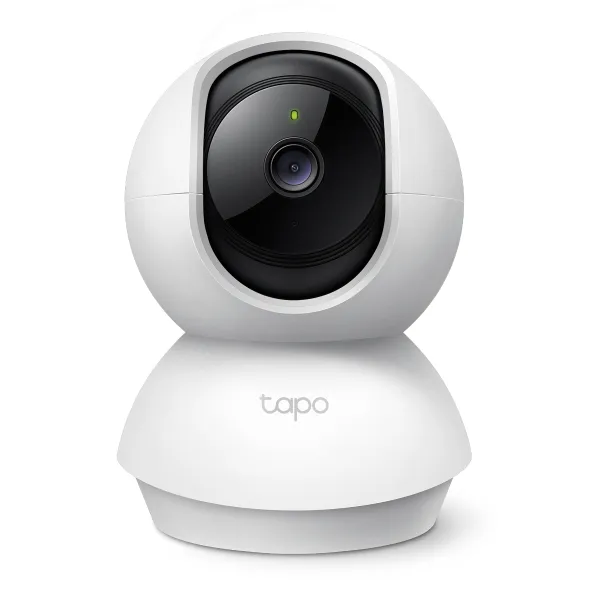
TP-Link says in its Tapo camera guide that once a camera is set up, SD card recording, including detection recording and 24/7 recording, keeps running even if the camera loses its router connection. Wyze says the same for its cameras in Can I use Wyze Cam v3 without Wi-Fi?: with a card inserted and local recording on, the camera records continuously to the card even while offline. Reolink lists "Record to SD card" as working both when the router has no internet and when Wi-Fi is gone entirely, in Can Reolink WiFi cameras work without WiFi or internet.
This is one of the main practical reasons to pick a camera with local storage. We cover the wider trade-offs in local storage vs a subscription.
What stops working when the internet goes down?
Short answer: anything that needs a server: push notifications, remote live view from outside your home, cloud recording, and automatic firmware updates. Local recording, and on some brands local viewing over your home Wi-Fi, can keep going.
It helps to separate two kinds of outage. In the first, your router is still on but your internet provider is down, so the camera and your phone can still see each other on the home network. In the second, the router itself is off or the camera is out of Wi-Fi range, so the camera is completely on its own.
| Feature | Router on, no internet | No Wi-Fi at all |
|---|---|---|
| Record to microSD card | Yes (Tapo, Wyze, Reolink) | Yes (Tapo, Wyze, Reolink) |
| Live view on the same home network | Yes on Tapo and Reolink | No |
| Playback of the card on the same network | Yes on Tapo and Reolink | No; remove the card or wait for Wi-Fi |
| Remote live view away from home | No | No |
| Push notifications and email alerts | No | No |
| Cloud recording | No | No |
Sources: Reolink's Wi-Fi camera offline table and TP-Link's Tapo guide, checked October 2026. Reolink also lists its audio alarm as still working in both cases.
TP-Link puts it plainly: you can view the live feed and use the camera without internet as long as your phone and the camera are on the same wireless network, but notifications and TP-Link cloud services won't work. Once the camera has no Wi-Fi at all, TP-Link says you can't view the live feed, play back video, or get detection notifications in the Tapo app, even though the card keeps recording.
How do the big brands handle an outage?
Short answer: Tapo, Wyze, and Reolink keep recording to a microSD card. Google Nest stores up to an hour of events internally and uploads them later. Ring and Blink rely on an internet connection to record and alert.
| Brand | Records during an internet outage? | What the manufacturer says | Source |
|---|---|---|---|
| TP-Link Tapo | Yes, to microSD | Detection and 24/7 SD recording keep running after setup; same-network live view still works if the router is up. | Tapo camera guide |
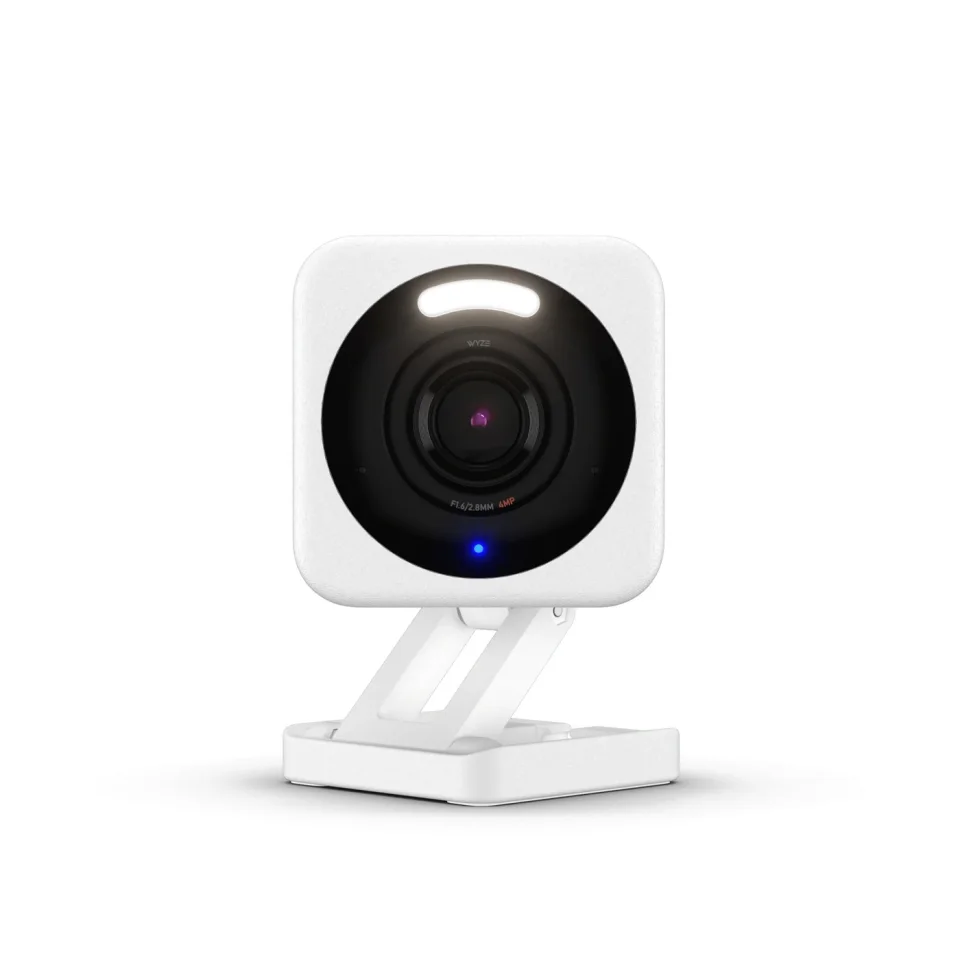
| Wyze | Yes, to microSD | Continuous card recording continues offline on supported cams, which Wyze lists from Wyze Cam v1 through Wyze Cam v4, the Pan models, and Wyze Duo Cam Pan. The camera must stay powered. | Which Wyze Cams work without Wi-Fi |
| Reolink | Yes, to microSD | SD recording and audio alarm work with no internet or no Wi-Fi; local live view and playback need the same LAN. Applies to all Reolink cameras except battery models. | Reolink Wi-Fi cameras offline |
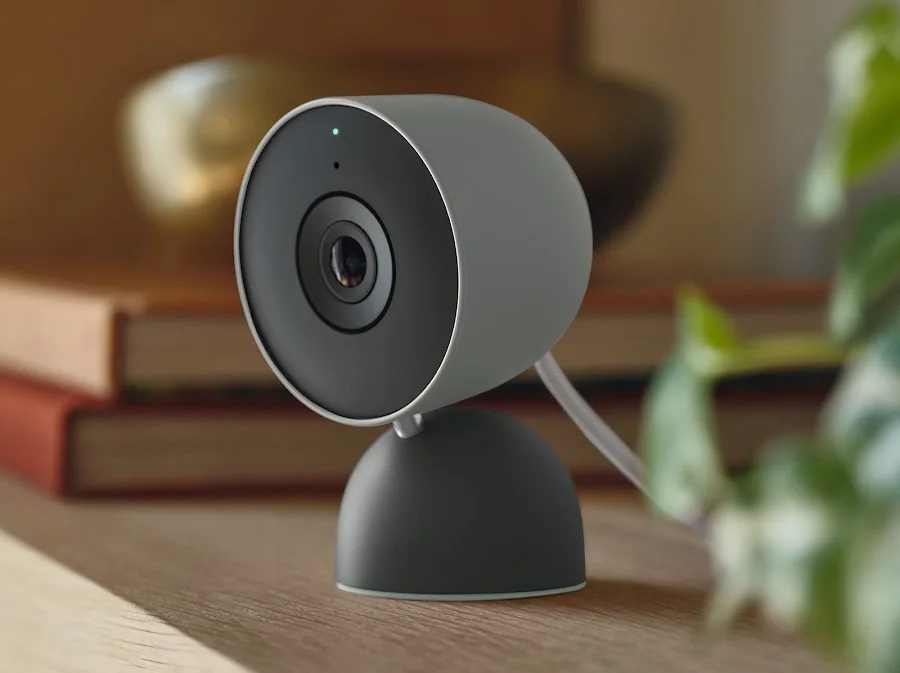
| Google Nest | Events only, up to about an hour | Nest Cam Indoor (wired, 3rd gen), Nest Cam (wired), and Nest Cam (battery), among others, store up to one hour of events and upload them on reconnect. The internal memory isn't accessible. | How Nest cameras store video |
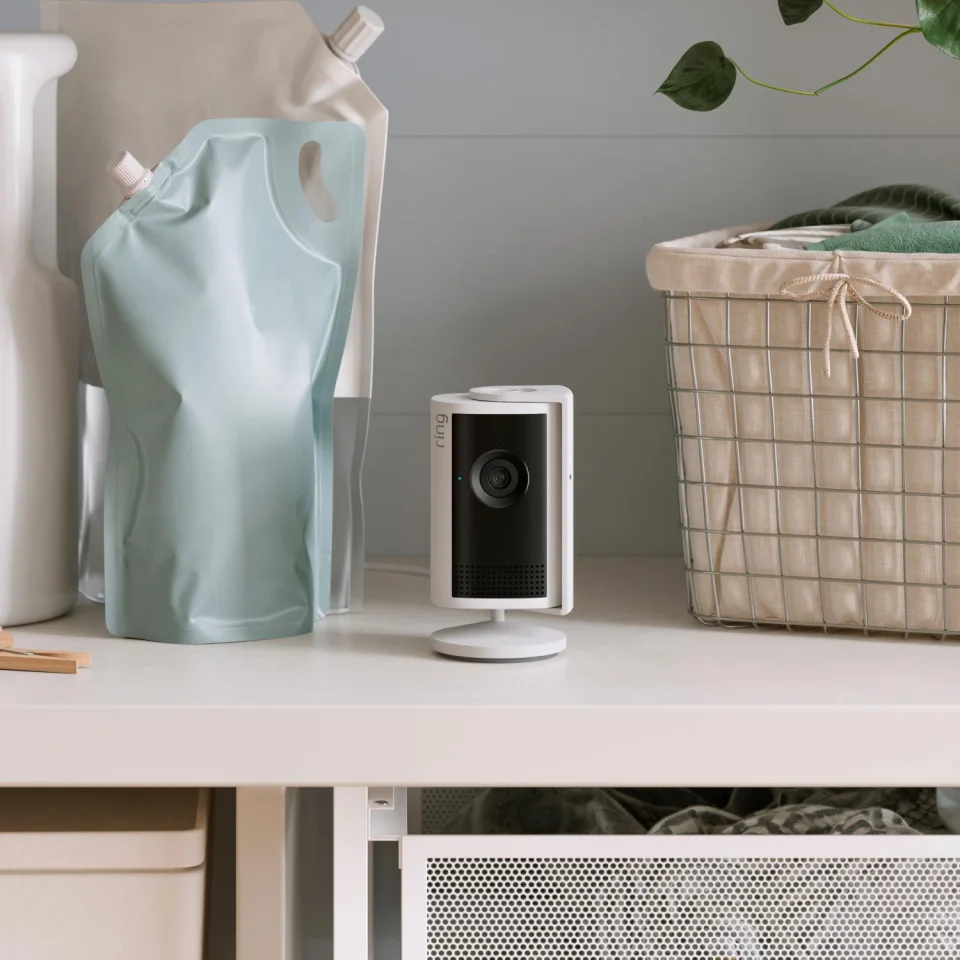
| Ring | No | Ring says its doorbells and cameras require an active internet connection; offline devices can't show live video, send alerts, or record. | Ring Wi-Fi recommendations |
| Blink | Not reliably | Blink says its devices need an always-on 2.4 GHz Wi-Fi internet connection; the Sync Module 2 USB drive is storage, not an offline mode. | Blink Sync Module 2 FAQ |
Do Wyze cameras keep recording if the power also goes out?
Short answer: not plug-in ones. Wyze says the camera must stay connected to power to record to a microSD card, and you can't set up offline recording without being online first.
Wyze's offline recording article also notes that a scheduled recording keeps going if Wi-Fi drops mid-schedule. Wyze adds that when a camera is offline, it can only record to the card: motion and sound detection need a Wi-Fi connection. So if you rely on events-only recording, continuous recording is the safer choice for outages.
Power is the weak link for every plug-in camera. Google says, for example, that the Nest Cam (wired) can't record during a power outage because it has no backup battery. If outages are common where you live, a small UPS (an uninterruptible power supply, a battery box that keeps devices running when the power cuts) for the router and camera helps both stay up.
What happens to Google Nest cameras when Wi-Fi drops?
Short answer: newer Nest cameras keep recording events to internal memory, up to about one hour's worth, then upload them to the cloud and show them in the Google Home app once they reconnect.
Google lists the Nest Cam Indoor (wired, 3rd gen), Nest Cam (wired), and Nest Cam (battery) among the cameras with this backup, in Learn how Nest cameras store recorded video. Higher video quality and more activity fill the memory faster, and you can't pull the video off the camera yourself, for security reasons. With a 24/7 Video History subscription, Google says the Nest Cam (wired) and Nest Cam (battery) record for 8 minutes straight after going offline, then switch to event recording.
Do Ring and Blink cameras work without internet?
Short answer: not in any useful way. Ring says its cameras need an active internet connection, and Blink says its devices need always-on Wi-Fi with internet, so plan on a backup connection rather than offline recording.
Ring's offline devices guide says an offline Ring device can't show live video, send alerts, or record events. Ring's answer to outages is the Ring Alarm Pro, which can keep devices on its eero Wi-Fi online over cellular data. Ring's Alarm Pro FAQ says this 24/7 Backup Internet needs a compatible Ring subscription, includes 3 GB of data a month, and costs $3 per extra GB if you opt in (checked October 2026). Ring estimates 3 GB covers about 300 video clips.
Blink's Sync Module 2 can save clips to a USB drive of 1 GB to 256 GB without a subscription, but Blink still describes its system as needing an always-on internet connection, and says a clip being saved when Wi-Fi or power drops fails and is retried later. Treat the USB drive as a way to skip the subscription, not as an outage plan.
Can I use a camera with a phone hotspot or no router at all?
Short answer: sometimes. A Wi-Fi camera can join a phone's hotspot like any other network, and some Reolink cameras with an Ethernet port can connect straight to a computer with no router.
Reolink describes both options in How to connect your cameras directly to the PC: cameras with a network port can be cabled to a PC and viewed in Reolink Client, while Wi-Fi-only cameras can join a mobile hotspot instead. Keep in mind that a hotspot uses your phone's data plan, and higher resolutions need more upload speed. Ring, for example, lists 2 Mbps of upload per device for 1080p and 15 Mbps for 4K in its Wi-Fi recommendations.
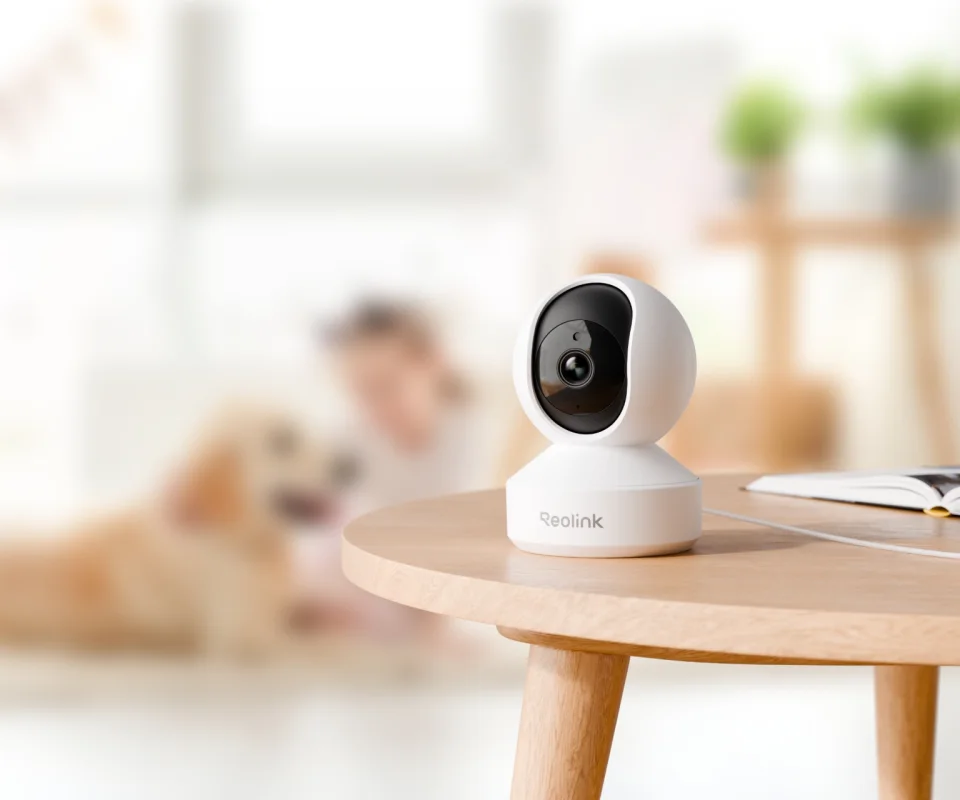
How do I set up a camera so it keeps recording during an outage?
Short answer: set it up online, insert and format a microSD card in the app, turn on local recording with a continuous or scheduled mode, and keep the camera powered.
- Finish setup while online. Tapo, Wyze, and Reolink all require an internet connection for the first setup.
- Insert and format a microSD card in the app. On Tapo, that's Device Settings, then Storage & Recording, then Local Storage, per TP-Link's SD card guide. Formatting erases the card.
- Turn on local recording. On Wyze, it's Settings, then MicroSD Card, then Record to MicroSD Card, choosing Continuous or Events Only, per Wyze's microSD guide.
- Prefer continuous recording for outages. Wyze says offline cameras can't run motion detection, so events-only may miss things.
- Keep power on. Put the camera, and ideally the router, on a UPS so a power cut doesn't end recording too.
- Know how to get the footage. Use playback on the same network once Wi-Fi is back, or eject the card and read the files on a computer. Wyze saves them as MP4 files.
Once your camera is recording locally, it's worth locking it down too; our guide to securing an indoor security camera covers passwords, two-factor sign-in, and firmware. If your camera drops offline even when the internet is fine, see why an indoor camera keeps going offline.
Which camera should I pick if my internet is unreliable?
Short answer: choose a camera with a microSD slot and free local recording, such as a Tapo, Wyze, or Reolink model, and skip cloud-only designs. If you want a Ring setup, budget for Ring Alarm Pro with backup internet instead.
Cameras with local storage also tend to cost less to run, since you don't need a paid plan just to keep video.
FAQ
Do indoor security cameras work without Wi-Fi?
Some do, in a limited way. Tapo, Wyze, and Reolink cameras keep recording to a microSD card without Wi-Fi once they're set up, but you can't watch live, play back in the app, or get alerts until the camera reconnects.
Can I watch my camera without internet?
Only on the same home network, and only on some brands. TP-Link and Reolink say you can view live video and local playback while the router is on but the internet is down, as long as your phone is on the same Wi-Fi.
Does a Ring camera record when the internet is down?
No. Ring says its cameras need an active internet connection, and an offline Ring device can't record events, show live video, or send alerts. Ring Alarm Pro with a compatible subscription can keep cameras online over cellular backup.
Does a Google Nest camera record during a Wi-Fi outage?
Recent Nest cameras, including the Nest Cam Indoor (wired, 3rd gen), store up to about one hour of events in internal memory and upload them when they reconnect, as long as they stay powered.
Do I need internet to set up a security camera?
For most consumer indoor cameras, yes. Tapo, Wyze, and Reolink all say the first setup needs an internet connection. After that, local recording to a microSD card can continue offline.
Will my camera record if the power goes out?
A plug-in camera stops recording when it loses power. Google says the Nest Cam (wired) can't record in a power outage, and Wyze says its cameras must stay powered to record to the card. A UPS keeps them running.
Comments
No notes yet. If you own one of these cameras, tell us what the spec sheet left out.