Home security has become a top priority for families across America. Indoor security cameras provide peace of mind whether you’re at work, on vacation, or simply in another room. The right camera helps you monitor your home, check on pets, and ensure your loved ones stay safe.
Choosing the best indoor camera involves understanding key features. Night vision lets you see clearly in darkness. Two-way audio enables communication with family members or pets. Motion detection sends instant alerts to your smartphone. Cloud storage and local storage options protect your video footage.
This comprehensive guide examines six top-performing indoor security cameras. We tested each camera’s video quality, features, ease of setup, and overall value. Our ratings come from extensive hands-on testing and analysis of real user experiences.
Quick Comparison: Best Indoor Security Cameras
This comparison table highlights the essential features of our top-rated indoor security cameras. Compare resolution, field of view, storage options, and smart home compatibility to find your perfect match.
| Camera Model | Resolution | Field of View | Night Vision | Storage Options | Rating | Price |
| Wyze Cam v4 Editor’s Choice | 2.5K QHD | 120° | Color Night Vision | Cloud & MicroSD | 4.8/5 | $35.99 |
| Blink Mini 2 | 1080p HD | 143° | Color Night Vision | Cloud | 4.6/5 | $39.99 |
| Ring Indoor Cam | 1080p HD | 140° | Infrared | Cloud | 4.5/5 | $59.99 |
| TP-Link Tapo C120 | 2K QHD | 130° | Infrared | Cloud & MicroSD | 4.7/5 | $34.99 |
| Arlo Essential Indoor | 1080p HD | 130° | Infrared | Cloud | 4.4/5 | $79.99 |
| Google Nest Cam Indoor | 1080p HD | 135° | Infrared | Cloud | 4.5/5 | $99.99 |
All cameras in our comparison support Alexa and Google Assistant integration. Each offers motion detection alerts and two-way audio communication. Price points reflect current Amazon pricing and may vary with promotions.
Wyze Cam v4 – Editor’s Choice Best Indoor Camera
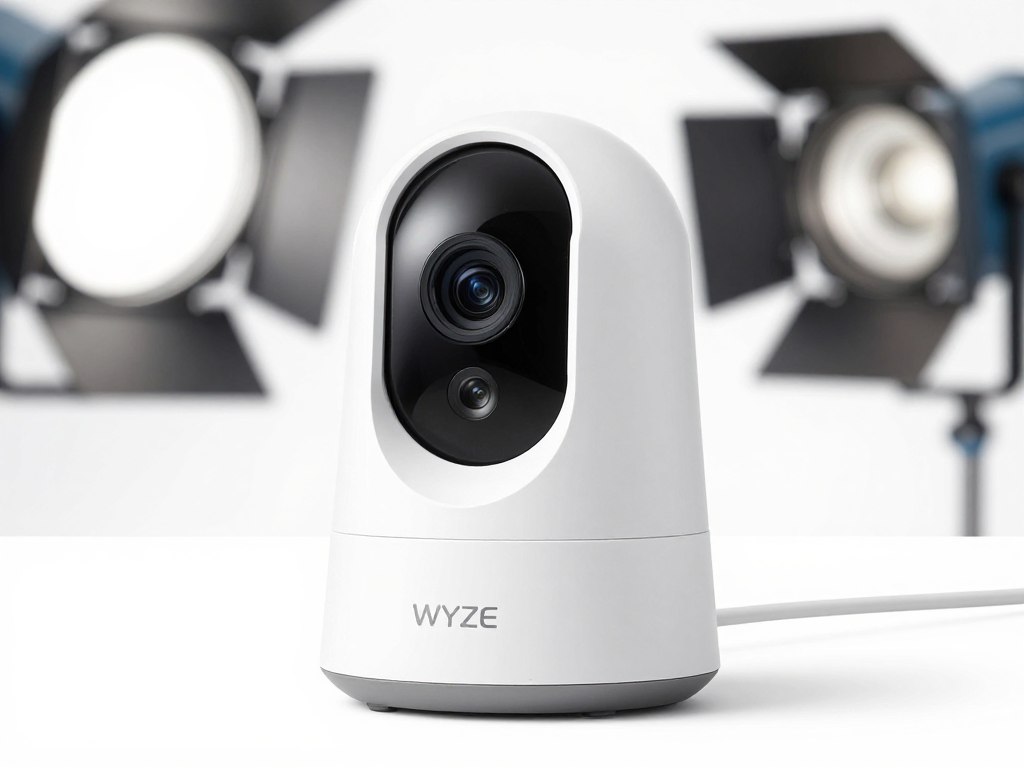
The Wyze Cam v4 delivers exceptional value as our top-rated indoor security camera. This camera combines 2.5K QHD resolution with color night vision to provide crystal-clear video footage day and night. The upgraded sensor captures more detail than standard 1080p cameras.
Installation takes less than five minutes. Simply plug in the power cord and follow the app instructions. The magnetic base allows flexible mounting on any metal surface. The 120-degree field of view covers entire rooms without blind spots.
Key Features and Performance
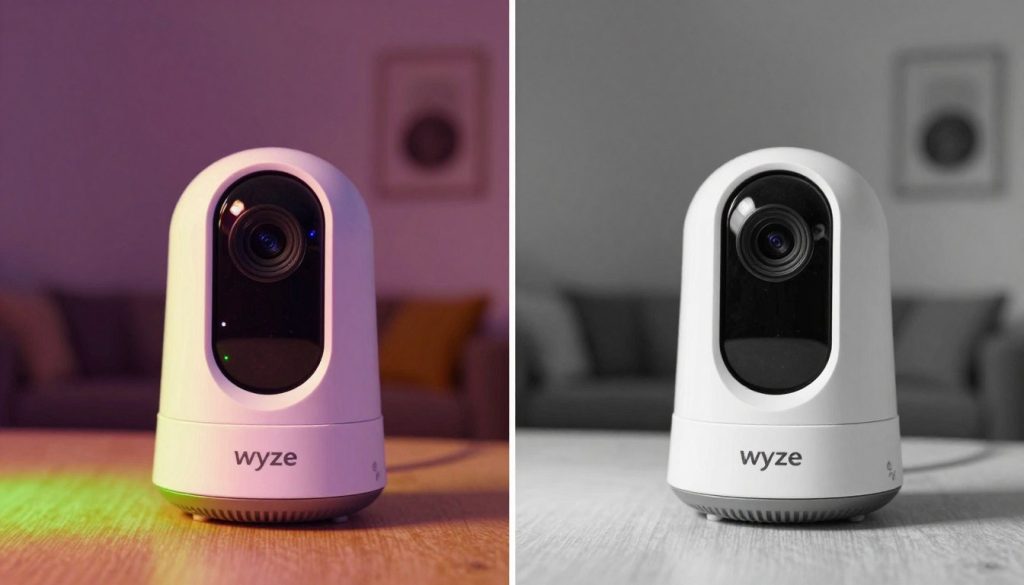
Color night vision sets this camera apart from competitors. The spotlight activates automatically in low light conditions. You see full color video footage instead of grainy black and white images. This feature proves invaluable for identifying details during nighttime recording.
Motion detection works with impressive accuracy. The camera distinguishes between people, pets, and vehicles when paired with Cam Plus subscription. You receive targeted alerts for the activity that matters most. Person detection helps reduce false notifications from moving shadows or pets.
Two-way audio quality exceeds expectations at this price point. The built-in microphone picks up conversations clearly. The speaker delivers your voice without distortion. You can communicate with family members or warn off potential intruders.
Storage Options and Cloud Features
The Wyze Cam v4 supports both local storage and cloud storage. Insert a microSD card up to 256GB for continuous recording without subscription fees. Local storage gives you complete control over your video footage. Access recordings directly through the mobile app.
Cloud storage through Wyze Cam Plus offers additional benefits. The subscription provides rolling 14 days of video history. Person detection, package detection, and pet detection require the paid subscription. The service costs significantly less than competing cloud storage options.
Smart Home Integration
This camera integrates seamlessly with Alexa and Google Assistant. Voice commands let you view camera feeds on Echo Show or Google Nest Hub displays. Create routines that trigger camera recording when you leave home. The camera works with IFTTT for advanced automation.
Pros
- Exceptional 2.5K video quality with outstanding clarity
- Color night vision provides detailed nighttime footage
- Affordable price point with premium features
- Local storage option via microSD card included
- Wide 120-degree field of view coverage
- Strong motion detection accuracy
- Quick and simple installation process
- Weather-resistant design for indoor or covered outdoor use
Cons
- Advanced AI features require paid subscription
- Requires constant power connection
- Cloud storage limited to 14 days with subscription
- No battery backup option available
Technical Specifications
| Resolution | 2.5K QHD (2560 x 1440) |
| Field of View | 120 degrees diagonal |
| Night Vision | Color night vision with spotlight |
| Storage | MicroSD card slot (up to 256GB), Wyze Cloud |
| Audio | Two-way audio with noise cancellation |
| Connectivity | 2.4GHz & 5GHz WiFi |
| Power | USB-C wired power (5V/2A) |
| Smart Home | Alexa, Google Assistant, IFTTT |
| Motion Detection | AI-powered person, pet, vehicle detection |
| Dimensions | 2.0 x 2.0 x 2.4 inches |
| Weather Rating | IP65 water resistant |
Why We Recommend: The Wyze Cam v4 offers the best combination of video quality, features, and value in the indoor camera market. The 2.5K resolution and color night vision deliver professional-grade surveillance at a fraction of competitor prices. Local storage eliminates mandatory subscription costs while still offering excellent cloud options for those who want them.
Blink Mini 2 – Best Budget Indoor Security Camera
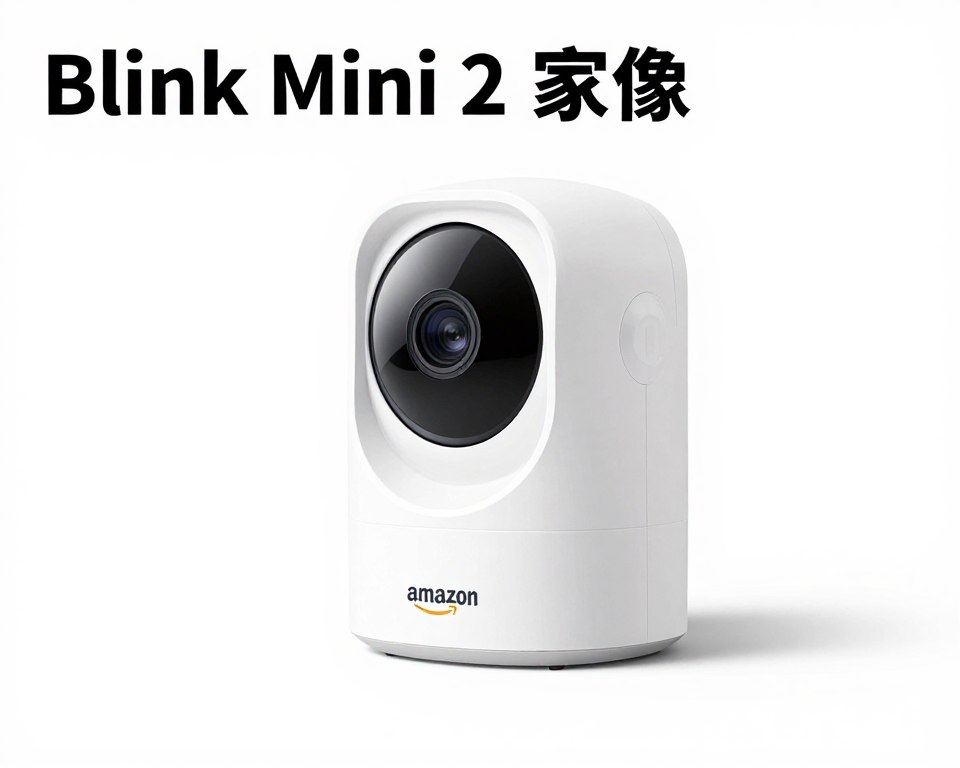
The Blink Mini 2 represents Amazon’s answer to affordable home security. This compact camera packs impressive features into a tiny package. The second generation improves upon the original with enhanced video quality and better motion detection.
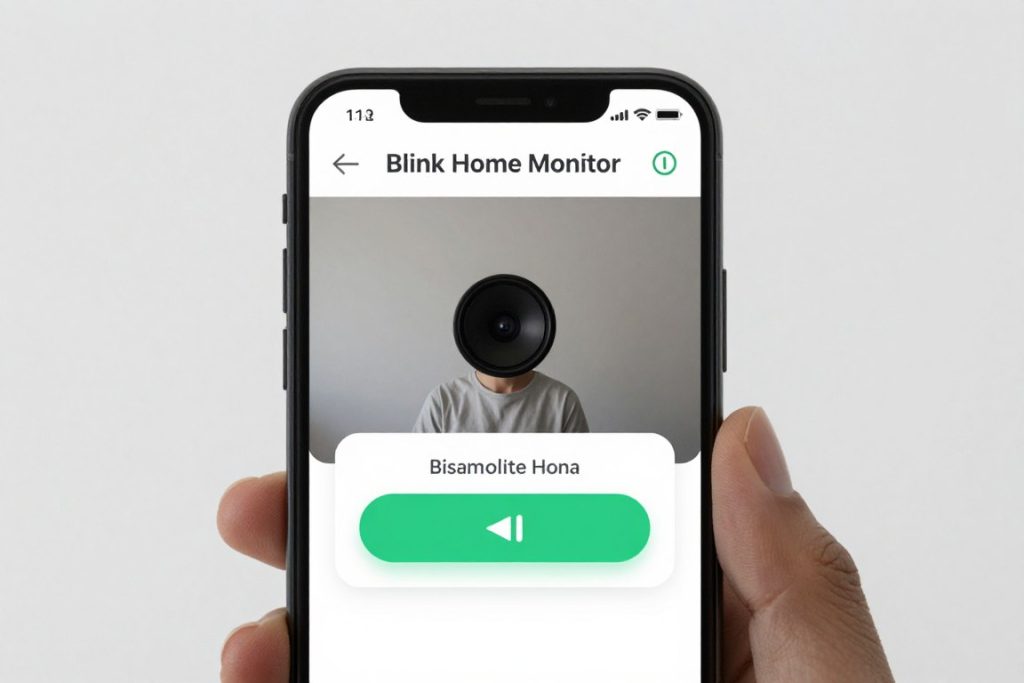
Setup happens entirely through the Blink mobile app. The camera connects to your WiFi network in minutes. The ultra-wide 143-degree field of view captures more of your room than competing cameras. This wide angle reduces the number of cameras needed to monitor your home.
Video Quality and Night Performance
The 1080p HD resolution produces sharp, clear video during daytime hours. The camera automatically adjusts to changing light conditions. Video compression maintains quality while minimizing bandwidth usage. Streaming works smoothly even on moderate internet connections.
Color night vision illuminates dark rooms with built-in LED lights. The camera switches to infrared mode in complete darkness. Night vision range extends up to 20 feet. You see clear details of people and objects in low light conditions.
Cloud Storage and Subscription Options
The Blink Mini 2 requires a subscription for cloud storage recording. The Blink Subscription Plan starts at an affordable monthly rate. Video clips save to the cloud for up to 30 days. You can access and download footage anytime through the app.
Motion-triggered clips capture important events automatically. The camera begins recording when motion is detected. Clips typically last 5 to 60 seconds depending on activity. You receive instant notifications when new clips are saved.
Smart Home Compatibility
Integration with Alexa provides hands-free camera control. Ask Alexa to show your camera feed on Echo Show devices. Voice commands arm and disarm motion detection. The camera works with other Blink security devices for comprehensive home security.
Pros
- Ultra-wide 143-degree field of view
- Compact size fits anywhere discreetly
- Color night vision for better detail
- Seamless Amazon Alexa integration
- Simple setup process through Blink app
- Affordable price for budget-conscious buyers
- 30-day cloud storage with subscription
- Reliable motion detection alerts
Cons
- Requires subscription for cloud recording
- No local storage option available
- 1080p resolution lower than premium cameras
- Limited to 2.4GHz WiFi only
- Two-way audio quality could be better
Technical Specifications
| Resolution | 1080p HD (1920 x 1080) |
| Field of View | 143 degrees diagonal |
| Night Vision | Color night vision with LED spotlight |
| Storage | Cloud storage (Blink Subscription required) |
| Audio | Two-way audio |
| Connectivity | 2.4GHz WiFi |
| Power | USB powered with included cable |
| Smart Home | Amazon Alexa |
| Motion Detection | Standard motion detection with alerts |
| Dimensions | 2.0 x 2.0 x 1.9 inches |
Ring Indoor Cam – Best for Ring Ecosystem Users
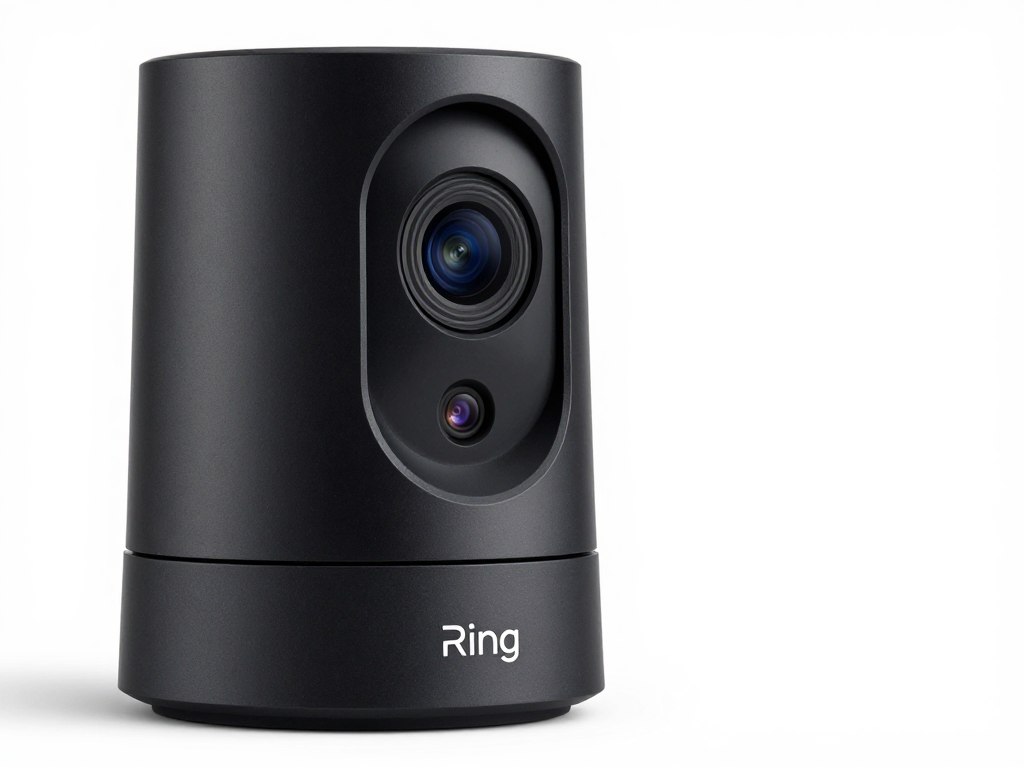
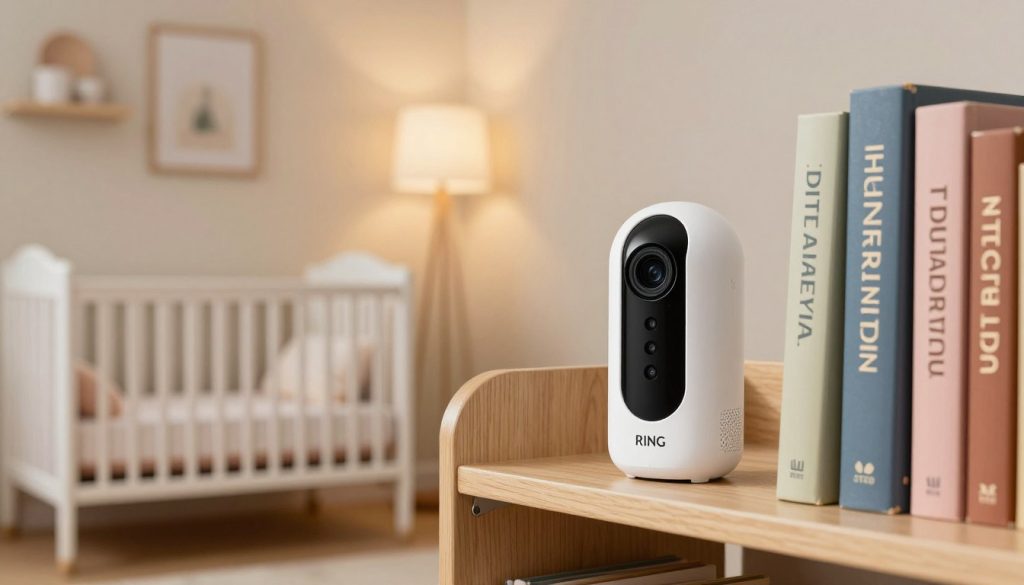
The Ring Indoor Cam integrates perfectly with Ring’s comprehensive home security ecosystem. This camera works seamlessly with Ring doorbells and outdoor security cameras. The unified Ring app controls all your devices from one interface. Amazon ownership ensures regular updates and reliable support.
Privacy features include a manual privacy cover. Slide the cover to physically block the camera lens. This mechanical shutter provides peace of mind when you’re home. LED indicators clearly show when the camera is recording or disabled.
Video Recording and Quality
The 1080p video captures clear footage of indoor spaces. The camera records at 30 frames per second for smooth motion. Advanced video processing reduces digital noise in low light. The 140-degree field of view provides excellent room coverage without distortion.
Infrared night vision activates automatically in darkness. The camera sees up to 15 feet in complete darkness. Night footage appears in black and white but remains clear and detailed. Motion detection continues working reliably during nighttime hours.
Smart Alerts and Notifications
Motion detection sends instant alerts to your smartphone. Customize motion zones to focus on specific areas. This feature reduces false alerts from pets or moving curtains. The camera distinguishes between important activity and background movement with Ring Protect subscription.
Person detection requires Ring Protect subscription plan. The AI identifies human shapes in video footage. You receive notifications specifically when people are detected. This feature proves valuable for monitoring deliveries or unexpected visitors.
Ring Protect Subscription Benefits
Ring Protect Plan unlocks video recording and storage features. Basic plans save video for 180 days. Videos automatically save when motion is detected. Download and share clips directly from the Ring app. Subscription also enables advanced features like rich notifications and people-only mode.
Pros
- Manual privacy cover for physical security
- Excellent integration with Ring ecosystem
- Intuitive Ring app interface
- 180-day video storage with subscription
- Reliable motion detection accuracy
- Strong two-way audio quality
- Clear LED recording indicators
- Regular firmware updates from Amazon
Cons
- Requires Ring Protect for video recording
- No local storage option
- Higher price than budget alternatives
- Limited to 2.4GHz WiFi
- Person detection needs subscription
Technical Specifications
| Resolution | 1080p HD (1920 x 1080) |
| Field of View | 140 degrees diagonal |
| Night Vision | Infrared night vision (15 ft range) |
| Storage | Cloud storage (Ring Protect subscription) |
| Audio | Two-way audio with noise cancellation |
| Connectivity | 2.4GHz WiFi |
| Power | Plug-in power adapter |
| Smart Home | Alexa, Ring ecosystem |
| Motion Detection | Customizable motion zones, person detection |
| Privacy Features | Manual privacy cover |
| Dimensions | 1.9 x 1.9 x 3.0 inches |
TP-Link Tapo C120 – Best for Local Storage
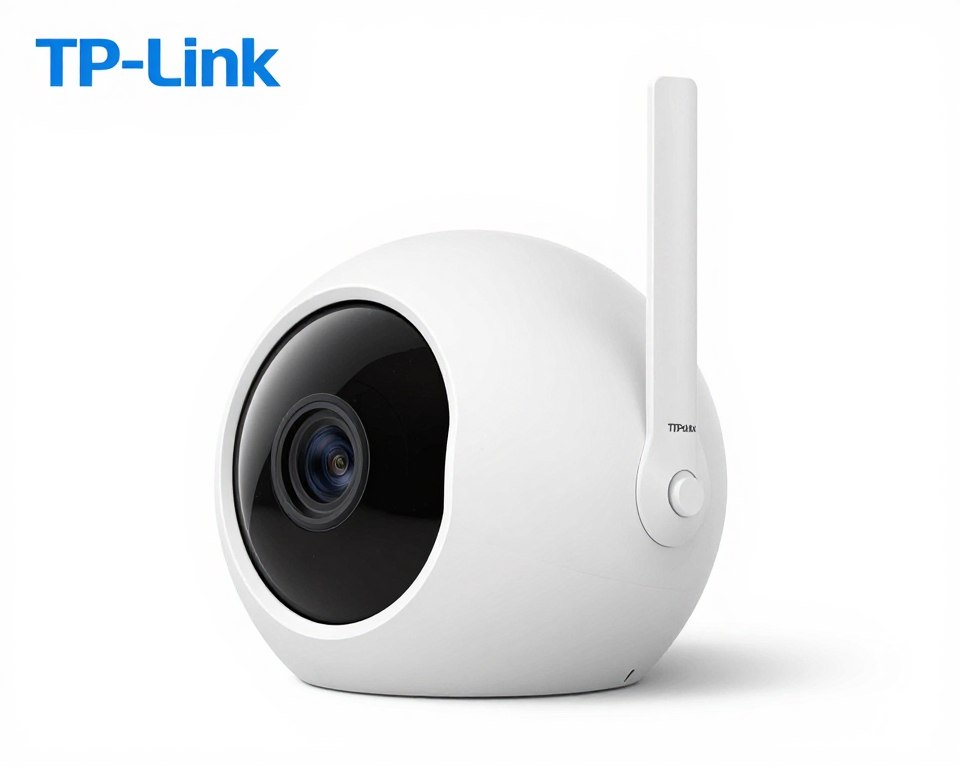
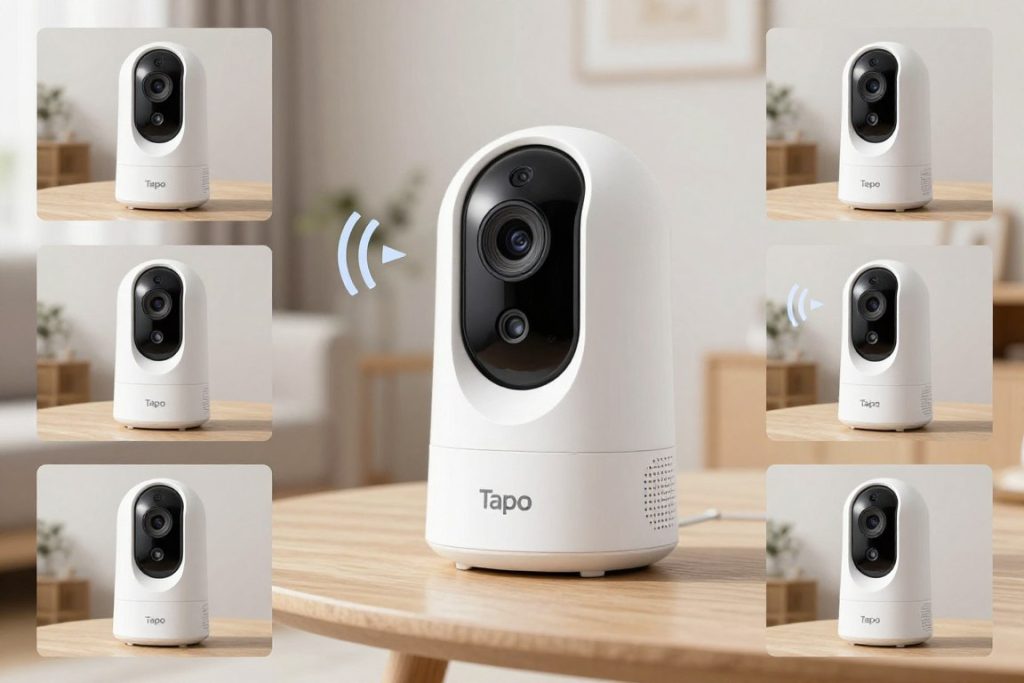
The TP-Link Tapo C120 excels with flexible storage options and sharp 2K resolution. This camera supports both local microSD storage and cloud storage. The dual storage approach provides backup options if your internet connection fails. TP-Link’s reputation for reliable networking equipment extends to their security cameras.
The 130-degree field of view balances wide coverage with minimal distortion. Pan and tilt functionality expands coverage beyond the fixed field of view. Control camera direction remotely through the Tapo app. This feature proves useful for tracking movement or checking different room areas.
Advanced Video Capabilities
The 2K QHD resolution delivers sharper images than 1080p cameras. You can zoom into video footage without losing clarity. The higher resolution helps identify faces and read text in the video. The camera maintains quality even when recording in different lighting conditions.
Smart motion tracking follows moving objects automatically. The camera pans to keep subjects in frame. This feature works particularly well for monitoring pets or children. Motion tracking recordings capture complete event sequences instead of partial clips.
Storage Flexibility
Insert a microSD card up to 512GB for extensive local storage. Continuous recording runs for weeks before overwriting old footage. The camera supports scheduled recording to save storage space. Motion-activated recording captures only important events.
Tapo Care cloud storage provides additional backup. The optional subscription saves video clips to secure servers. Cloud storage ensures you never lose footage even if the camera is damaged. Access your video history from anywhere with internet access.
Smart Detection Features
Person detection identifies human shapes in video frames. The camera sends notifications specifically for person activity. This reduces alerts from pets or environmental changes. Baby cry detection alerts you when your infant needs attention.
Sound detection recognizes breaking glass, smoke alarms, and other important sounds. Create custom alert rules for different detection types. Activity zones let you monitor specific areas while ignoring others. These intelligent features minimize false alerts.
Pros
- Sharp 2K QHD video resolution
- Pan and tilt for expanded coverage
- Supports up to 512GB microSD cards
- Smart motion tracking capability
- Multiple AI detection types
- Dual storage options (local and cloud)
- Baby cry detection feature
- Competitive pricing for features offered
Cons
- App interface less polished than competitors
- Pan-tilt mechanism creates slight noise
- Advanced AI features require subscription
- Slightly larger footprint than fixed cameras
Technical Specifications
| Resolution | 2K QHD (2304 x 1296) |
| Field of View | 130 degrees diagonal |
| Pan & Tilt | 360° horizontal, 114° vertical |
| Night Vision | Infrared night vision (30 ft range) |
| Storage | MicroSD up to 512GB, Tapo Care cloud |
| Audio | Two-way audio |
| Connectivity | 2.4GHz & 5GHz WiFi |
| Power | DC power adapter included |
| Smart Home | Alexa, Google Assistant |
| Motion Detection | Motion tracking, person detection, sound detection |
| Dimensions | 3.4 x 3.4 x 4.7 inches |
Arlo Essential Indoor – Best for Privacy-Conscious Users
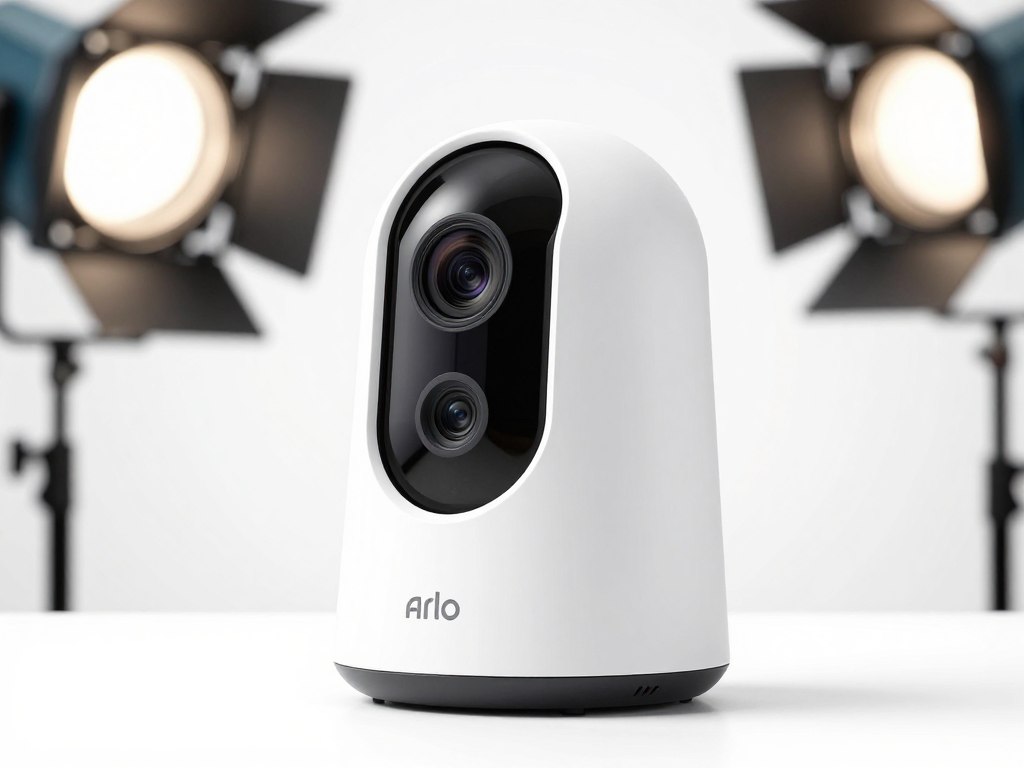
Arlo Essential Indoor prioritizes user privacy with automated physical shutter. The camera lens closes automatically when you arrive home. Location-based geofencing triggers privacy mode without manual intervention. This mechanical approach provides more security than software-only privacy settings.
The camera design emphasizes discretion with compact dimensions. The magnetic base mounts on any metal surface. A wall mount adapter expands placement options. The minimalist white finish blends into home decor without drawing attention.
Smart Home Automation
Arlo integrates with comprehensive smart home systems. Create automation rules that coordinate with smart lights and door locks. The camera arms automatically when your smart lock engages. Motion detection can trigger smart lights to deter intruders.
Works with Alexa, Google Assistant, Apple HomeKit, and Samsung SmartThings. Voice commands control camera functions across multiple platforms. View camera feeds on smart displays throughout your home. Cross-platform compatibility provides flexibility for mixed-device households.
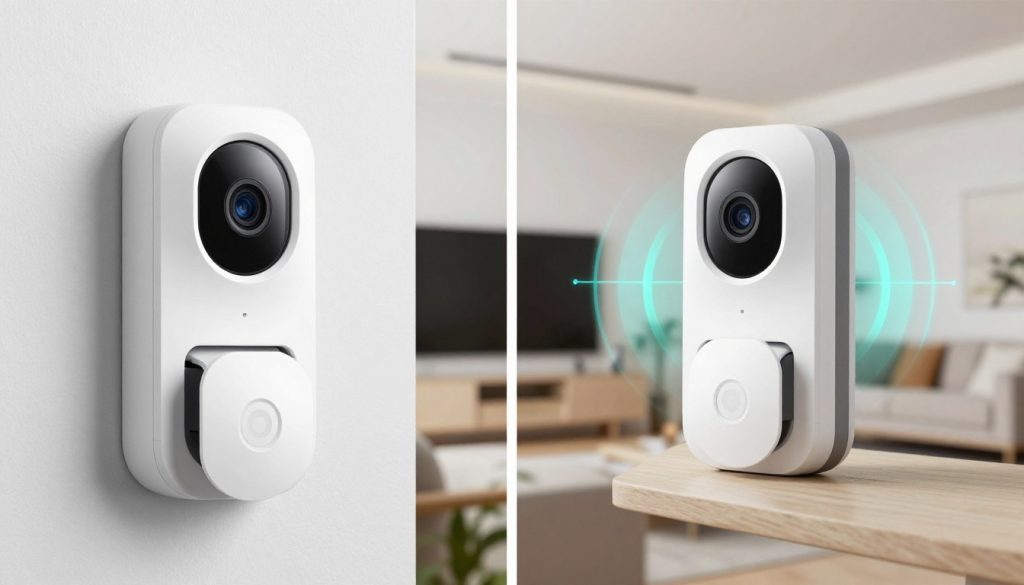
Video Storage and Subscription
Arlo Secure subscription unlocks video recording capabilities. The base plan includes 30 days of rolling video history. Advanced plans extend storage to 60 days with additional features. Subscription tiers cater to different household needs and camera quantities.
Cloud storage protects footage from local hardware failures. Videos remain accessible even if the camera is stolen or damaged. The Arlo cloud infrastructure ensures reliable video access. Download and share clips directly through the Arlo mobile app.
Detection and Alerts
Person detection identifies human subjects in video frames. Package detection notifies you of delivery arrivals. Vehicle detection monitors your driveway from indoor viewing angles. Each detection type generates specific notification categories.
Custom activity zones focus monitoring on important areas. Draw zones directly on the camera’s view in the app. Zones reduce false alerts from motion outside monitored areas. Smart notifications include snapshot previews of detected activity.
Pros
- Automated privacy shutter for security
- Extensive smart home platform support
- Geofencing automation capability
- Multiple AI detection types
- Premium build quality
- Magnetic mounting system
- Intuitive Arlo app interface
- Works with Apple HomeKit
Cons
- Higher price point than alternatives
- Requires Arlo Secure subscription
- No local storage option
- Subscription costs add up over time
- 1080p resolution not as sharp as 2K cameras
Technical Specifications
| Resolution | 1080p HD (1920 x 1080) |
| Field of View | 130 degrees diagonal |
| Night Vision | Infrared night vision |
| Storage | Cloud storage (Arlo Secure subscription) |
| Audio | Two-way audio with noise reduction |
| Connectivity | 2.4GHz WiFi |
| Power | USB-C power cable |
| Smart Home | Alexa, Google, Apple HomeKit, SmartThings |
| Motion Detection | Person, package, vehicle detection |
| Privacy Features | Automated privacy shutter, geofencing |
| Dimensions | 2.8 x 1.8 x 1.8 inches |
Google Nest Cam Indoor – Best for Google Home Users
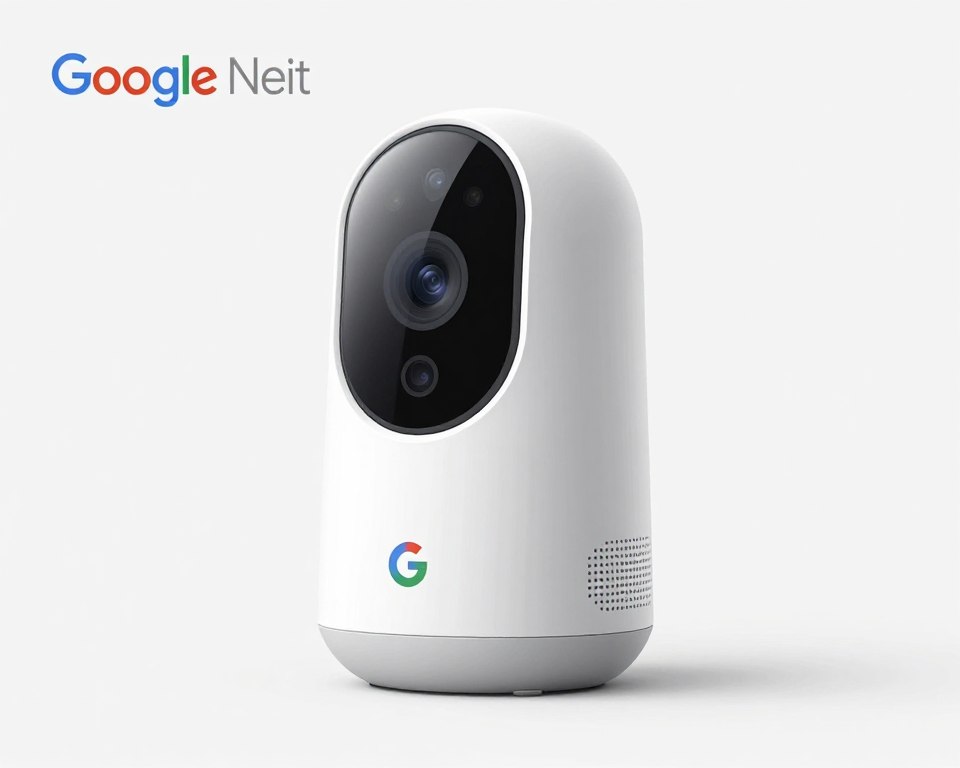
Google Nest Cam Indoor brings powerful AI capabilities to home security. Google’s machine learning analyzes video footage for intelligent alerts. The camera recognizes familiar faces when enrolled in Nest Aware subscription. Face recognition reduces unnecessary notifications from family members.
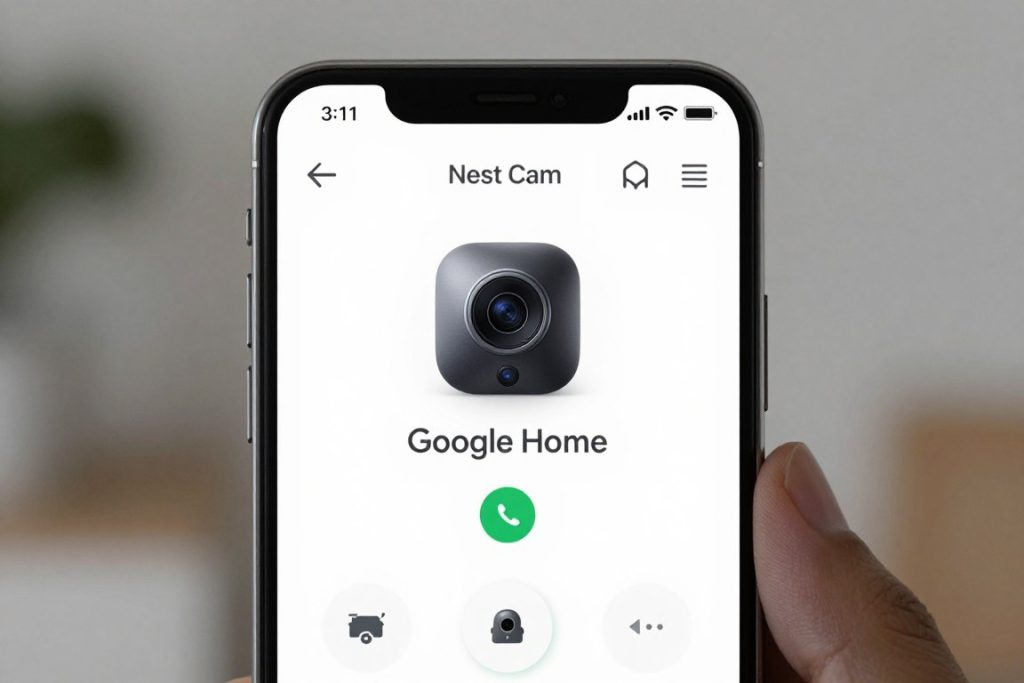
The Google Home app provides centralized control of all smart devices. View camera feeds alongside thermostat controls and smart light management. Create routines that coordinate camera activity with other Google Home devices. The unified ecosystem simplifies home automation.
Advanced AI and Intelligence
HDR video processing captures details in high-contrast lighting. The camera automatically adjusts exposure for bright windows and dark corners. Video remains clear whether recording direct sunlight or shadowy areas. HDR prevents overexposed or underexposed sections in frames.
Intelligent sound detection identifies specific audio events. The camera recognizes smoke alarms, breaking glass, and barking dogs. Sound alerts supplement motion detection for comprehensive monitoring. Audio identification helps you respond to emergencies quickly.
Video History and Storage
Three hours of free event video history comes standard. Recent motion and sound events remain accessible without subscription. This limited history helps you check recent activity without ongoing costs. Upgrade to Nest Aware for extended video storage.
Nest Aware subscription extends video history up to 60 days. Continuous recording captures every moment without gaps. The subscription enables facial recognition and activity zones. Intelligent alerts become more accurate with subscription features.
Google Assistant Integration
Voice control through Google Assistant streamlines camera operation. Ask Google to show camera feeds on Nest Hub displays or Chromecast devices. Voice commands arm and disarm the camera for privacy. Integration feels natural within the Google ecosystem.
Broadcast messages through camera speakers using Google Assistant. Announce dinner time or remind family members of appointments. The two-way audio serves dual purposes for communication and monitoring. Speaker quality delivers clear voice transmission.
Pros
- Advanced AI with facial recognition
- HDR video for challenging lighting
- Three hours free event history
- Seamless Google Home integration
- Intelligent sound detection
- Premium build quality
- Excellent Google Assistant control
- Activity zone customization
Cons
- Higher price than competitors
- Advanced features require Nest Aware
- No local storage option
- Limited free video history
- Facial recognition needs subscription
Technical Specifications
| Resolution | 1080p HD with HDR (1920 x 1080) |
| Field of View | 135 degrees diagonal |
| Night Vision | Infrared night vision |
| Storage | Cloud storage (3 hours free, Nest Aware for more) |
| Audio | Two-way audio with noise suppression |
| Connectivity | 2.4GHz & 5GHz WiFi |
| Power | Wired power with included adapter |
| Smart Home | Google Assistant, Google Home ecosystem |
| Motion Detection | Person, animal, vehicle detection, facial recognition |
| Special Features | HDR video, sound detection, activity zones |
| Dimensions | 3.3 x 3.3 x 2.6 inches |
Key Features to Consider When Buying Indoor Security Cameras
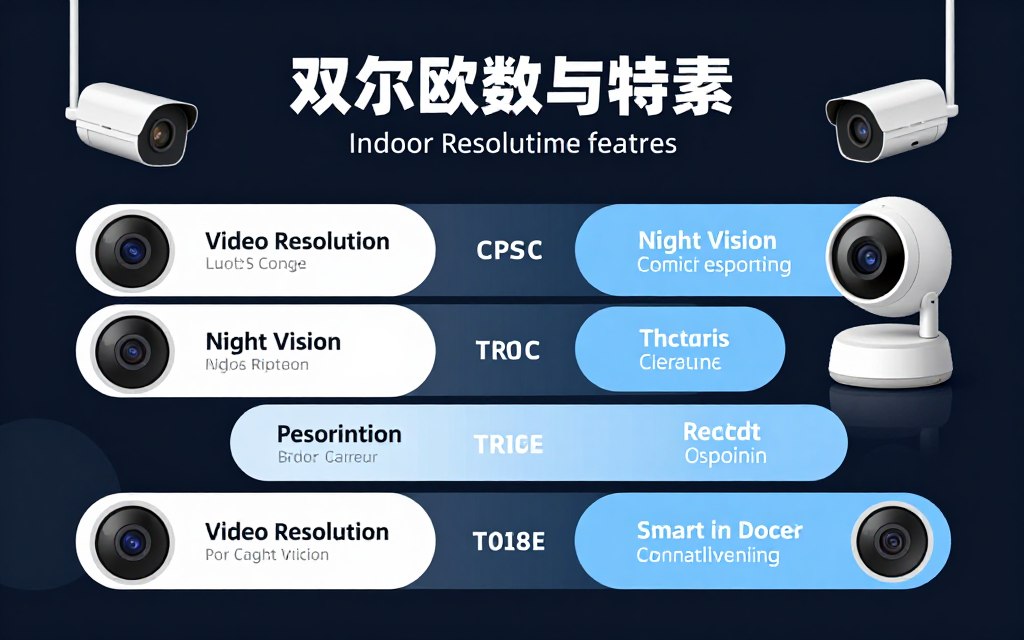
Selecting the best indoor camera requires understanding essential features. Each specification affects your camera’s performance and suitability for your home. This section breaks down important considerations that guide your purchasing decision.
Video Resolution and Image Quality
Resolution determines the clarity and detail of recorded footage. Higher resolution cameras capture sharper images that reveal more information. Resolution measurements indicate the number of pixels in each video frame.
1080p HD resolution represents the baseline for modern security cameras. This standard provides clear video suitable for most monitoring needs. 2K and 2.5K resolutions offer noticeably sharper images. The increased pixel density helps when digitally zooming into footage.
Frame rate affects video smoothness during playback. Most cameras record at 30 frames per second. This rate produces fluid motion without stuttering. Some cameras offer higher frame rates for even smoother video.
Night Vision Capabilities
Night vision enables cameras to record in darkness or low light. Two main night vision technologies serve different purposes. Understanding these options helps you choose appropriate cameras for your lighting conditions.
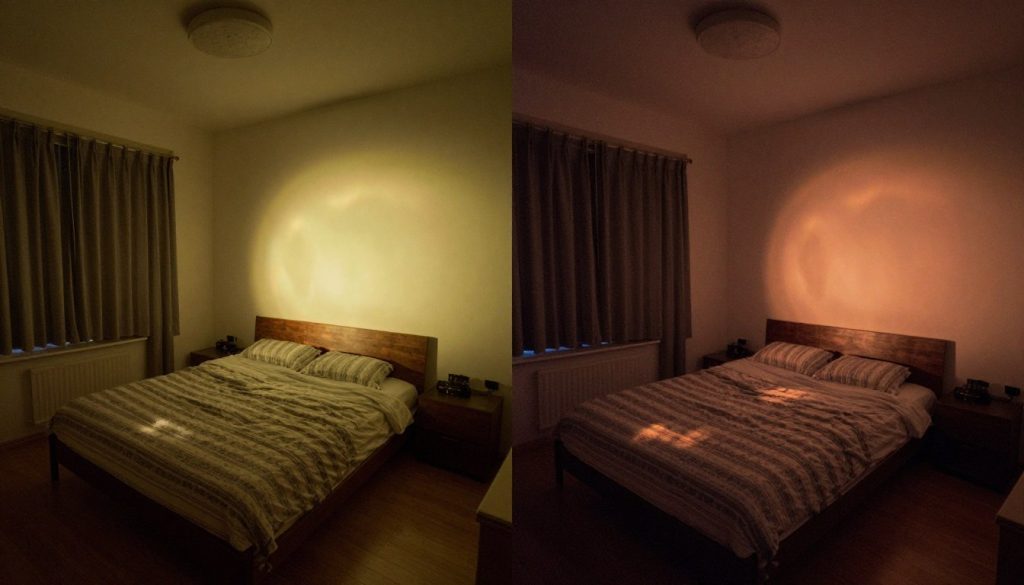
Infrared night vision uses LED lights invisible to human eyes. The camera sensor detects infrared light reflected from objects. Footage appears in black and white but remains clear and detailed. Infrared works completely in darkness without visible light pollution.
Color night vision employs visible spotlights to illuminate dark areas. The camera records in full color using ambient or LED lighting. Color footage provides more detail for identification purposes. This technology works best in areas with some existing light.
Field of View Considerations
Field of view describes the width of area a camera monitors. Wider angles cover more space with fewer cameras. The measurement indicates the viewing angle in degrees from the camera’s position.
Cameras with 110-130 degree fields of view suit most rooms. These moderate angles balance coverage with image quality. Ultra-wide lenses above 140 degrees monitor large spaces but may distort edges. Narrow fields below 100 degrees focus on specific areas with minimal distortion.
Motion Detection and Smart Alerts
Motion detection triggers recording when movement occurs in the frame. This feature conserves storage space and battery power. Modern cameras employ sophisticated algorithms to reduce false alerts.
Basic motion detection responds to any movement within view. This approach generates numerous notifications from pets or environmental changes. Smart motion detection uses AI to identify specific subjects. Person detection specifically recognizes human shapes.
Activity zones let you define monitored areas within the field of view. The camera ignores motion outside designated zones. This customization reduces false notifications from irrelevant activity. Zone configuration happens through the camera’s mobile app.
Two-Way Audio Communication
Two-way audio enables real-time conversations through the camera. Built-in microphones capture sounds near the camera. Speakers transmit your voice from the mobile app to the camera location.
Audio quality varies significantly between camera models. Premium cameras include noise cancellation and echo reduction. These features improve conversation clarity in noisy environments. Speaker volume determines effectiveness for deterring intruders or communicating across rooms.
Storage Options and Video Access
Storage determines where your video recordings are saved. Different storage methods offer unique advantages for security and accessibility. Many cameras support multiple storage options simultaneously.
Cloud Storage Benefits
Cloud storage saves video footage to remote servers. This approach protects recordings from local hardware damage or theft.
- Access footage from any internet-connected device
- Videos remain safe if camera is destroyed
- No physical storage management required
- Automatic backup of all recordings
Local Storage Advantages
Local storage uses microSD cards inserted in the camera. This option provides recording without ongoing subscription costs.
- One-time cost with no monthly fees
- Works without internet connectivity
- Complete control over your footage
- No data transmission concerns
Subscription Considerations
Many cloud services require monthly or annual subscriptions. These costs add up but provide valuable features.
- Extended video history retention
- Advanced AI detection features
- Unlimited camera support in higher tiers
- Priority customer support access
Hybrid Storage Solutions
Some cameras support both cloud and local storage simultaneously. Redundancy ensures you never lose important footage.
- Multiple backup copies of recordings
- Flexibility to choose storage per situation
- Local access when internet fails
- Cloud backup for critical events
Smart Home Integration
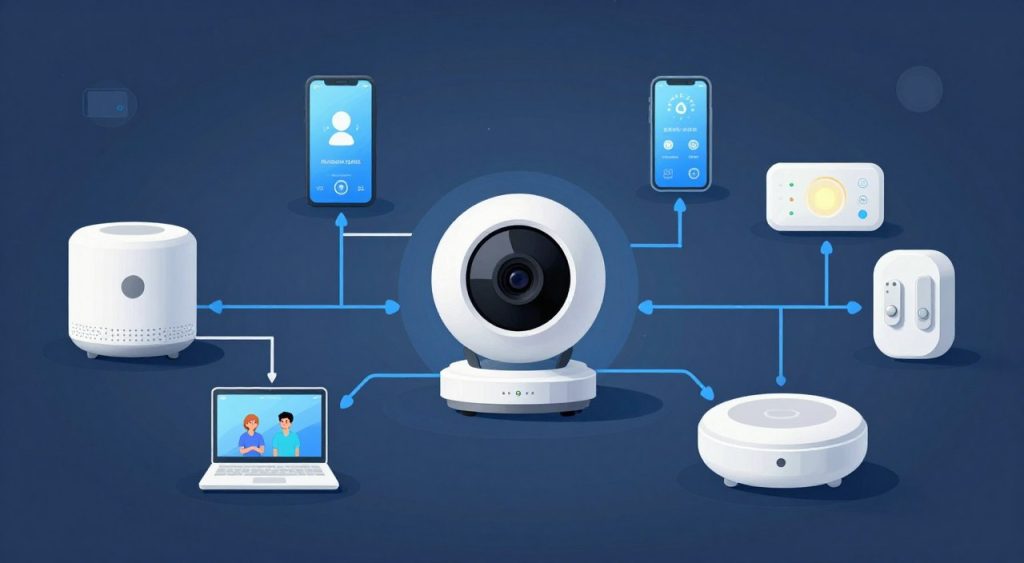
Smart home compatibility connects cameras with other devices. Integration enables automation and centralized control. The major smart home platforms each offer unique capabilities.
Amazon Alexa integration allows voice control of camera functions. View live feeds on Echo Show devices through voice commands. Create Alexa routines that trigger camera recording based on schedules or events. Alexa-compatible cameras work with Ring doorbells and outdoor security cameras.
Google Assistant provides similar voice control capabilities. Display camera feeds on Google Nest Hub smart displays. Google Home routines coordinate cameras with smart lights, locks, and thermostats. The Google Home app centralizes control of the entire smart home ecosystem.
Apple HomeKit offers enhanced privacy and security features. HomeKit cameras process video locally on your home network. Siri voice commands control camera operation on Apple devices. HomeKit Secure Video provides encrypted cloud storage through iCloud subscriptions.
Power Requirements
Indoor security cameras typically require continuous power connection. Most models include USB power adapters and cables. Power source location affects camera placement options. Plan mounting positions near electrical outlets.
Battery-powered indoor cameras offer installation flexibility. Wireless operation eliminates power cord requirements. Battery life varies from weeks to months depending on usage. Frequent alerts and recording drain batteries faster than standby mode.
Privacy Features
Privacy controls protect your household from unwanted surveillance. Physical privacy shutters mechanically block the camera lens. This hardware approach provides more security than software privacy modes alone. Look for cameras with visible indicators showing recording status.
Geofencing automatically arms and disarms cameras based on location. The camera activates when your smartphone leaves home. This automation prevents recording your family’s private activities. Location-based privacy balances security needs with household privacy.
Indoor vs Outdoor Security Cameras: Understanding the Differences
Indoor and outdoor security cameras serve distinct purposes with specialized features. Understanding these differences helps you select appropriate cameras for each location. The environment determines which camera type performs best.
Weather Resistance and Durability
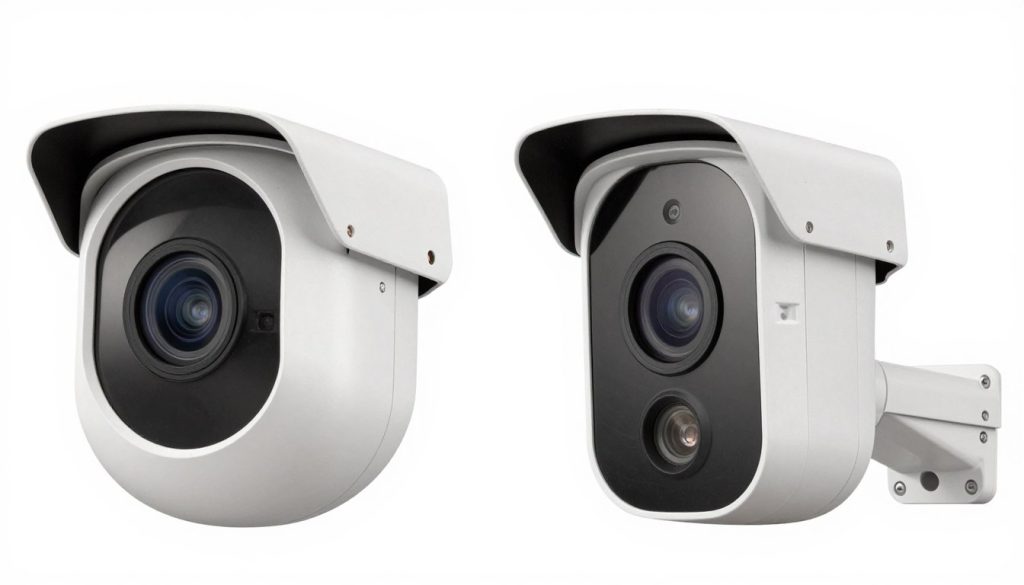
Outdoor security cameras require weatherproof construction. These cameras withstand rain, snow, heat, and humidity. IP ratings indicate weather resistance levels. Outdoor models typically feature IP65 or IP66 ratings for complete protection.
Indoor cameras lack weather sealing because they operate in controlled environments. The lightweight construction reduces costs while maintaining functionality. Indoor models may fail quickly if exposed to outdoor conditions. Never install indoor-only cameras in exposed outdoor locations.
Design and Aesthetics
Indoor security cameras emphasize discreet, attractive designs. These cameras blend into home decor without drawing attention. Compact sizes and neutral colors match modern interiors. Many indoor models resemble smart home devices rather than surveillance equipment.
Outdoor cameras feature more rugged, visible designs. The obvious presence acts as a deterrent to potential intruders. Larger housings accommodate weather sealing and more powerful components. Outdoor designs prioritize function over aesthetics.
Power Options
Indoor cameras connect easily to standard electrical outlets. Power adapter placement poses minimal challenges inside homes. Continuous power supports features like constant recording and bright LED lights.
Outdoor cameras may require professional installation for power access. Running cables through walls or outdoors increases installation complexity. Battery-powered outdoor cameras offer easier installation but need regular recharging. Solar panels extend battery life for outdoor security cameras.
Feature Differences
Best outdoor cameras emphasize long-range detection and durability. These features suit monitoring large properties and perimeter security. Outdoor models often include brighter LED spotlights for illumination. Weather-resistant microphones and speakers maintain two-way audio in wind and rain.
Indoor cameras prioritize high-resolution video and advanced AI features. Close-range monitoring benefits from detailed image quality. Features like baby cry detection and pet monitoring cater to indoor scenarios. Indoor models typically offer more affordable prices than outdoor equivalents.
Important Note: Some cameras work both indoors and in covered outdoor locations. These versatile models feature weather-resistant construction at indoor camera prices. Check IP ratings and manufacturer specifications before outdoor installation.
How to Set Up Your Indoor Security Camera
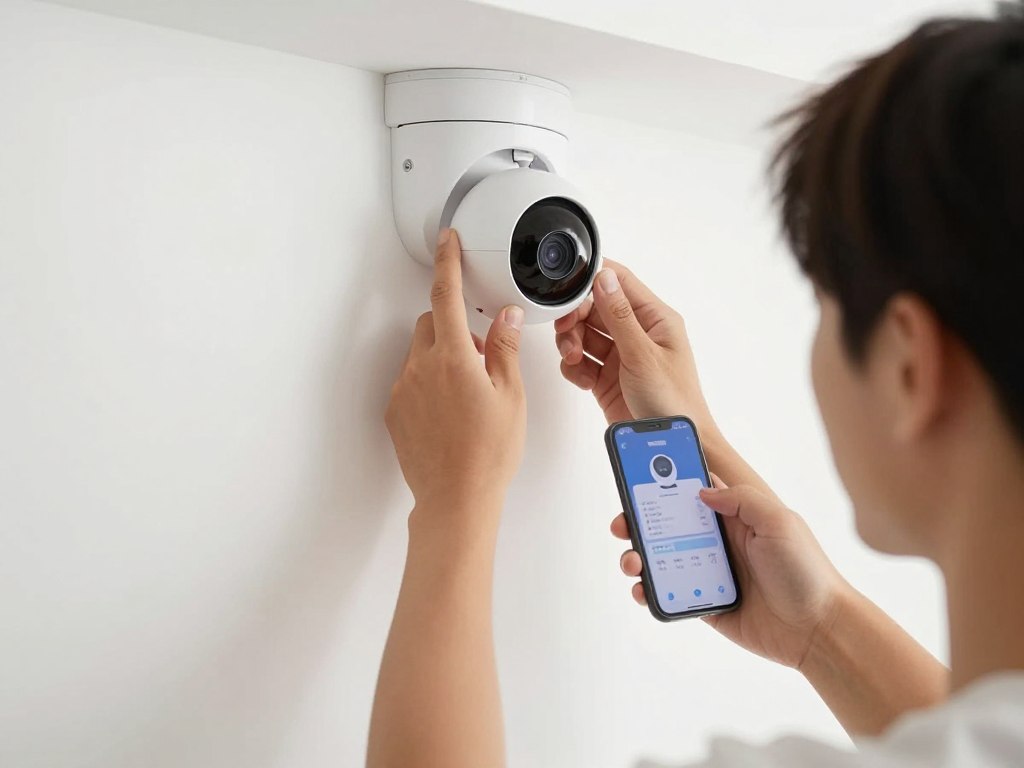
Proper installation maximizes your indoor camera’s effectiveness. Follow these steps for optimal camera placement and configuration. Most modern cameras complete setup in under fifteen minutes.
Choosing Optimal Camera Placement
Camera position significantly affects monitoring effectiveness. High placement provides better field of view coverage. Mount cameras 7-10 feet above floor level when possible. Elevated positions reduce tampering risk and expand viewing angles.
Corner placement maximizes room coverage with minimum cameras. Position cameras to monitor entry points like doors and windows. Avoid pointing cameras directly at bright windows or light sources. Backlighting reduces video quality and may blind the camera sensor.
Consider privacy when positioning indoor cameras. Avoid monitoring private spaces like bedrooms and bathrooms. Point cameras toward common areas and entry points. Respect household members’ privacy expectations while maintaining security.
Installation Process
WiFi Connection Tips
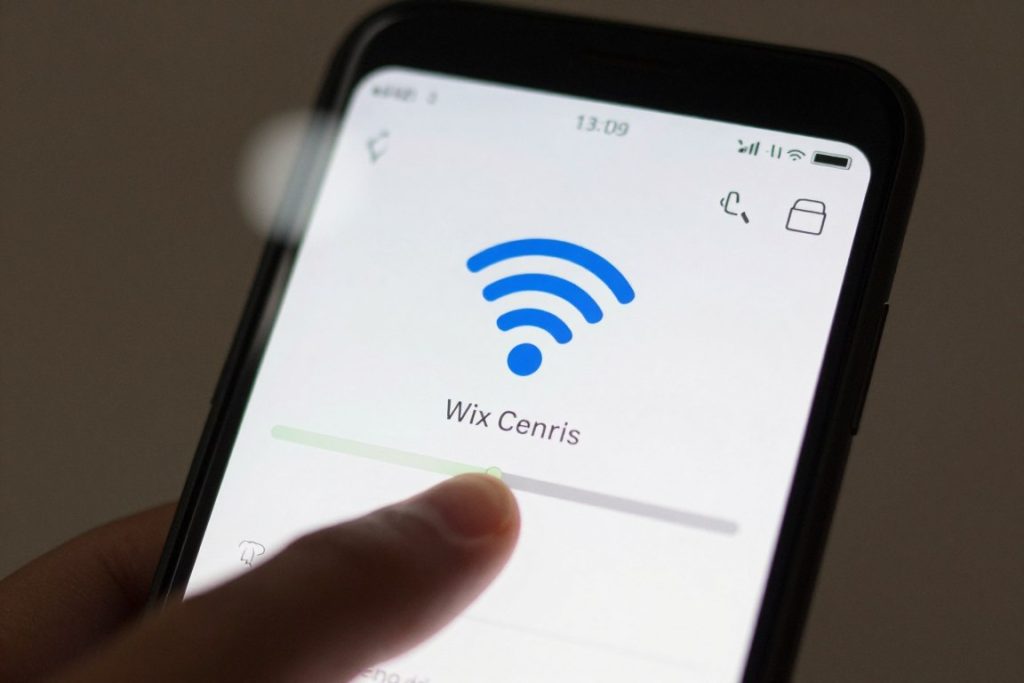
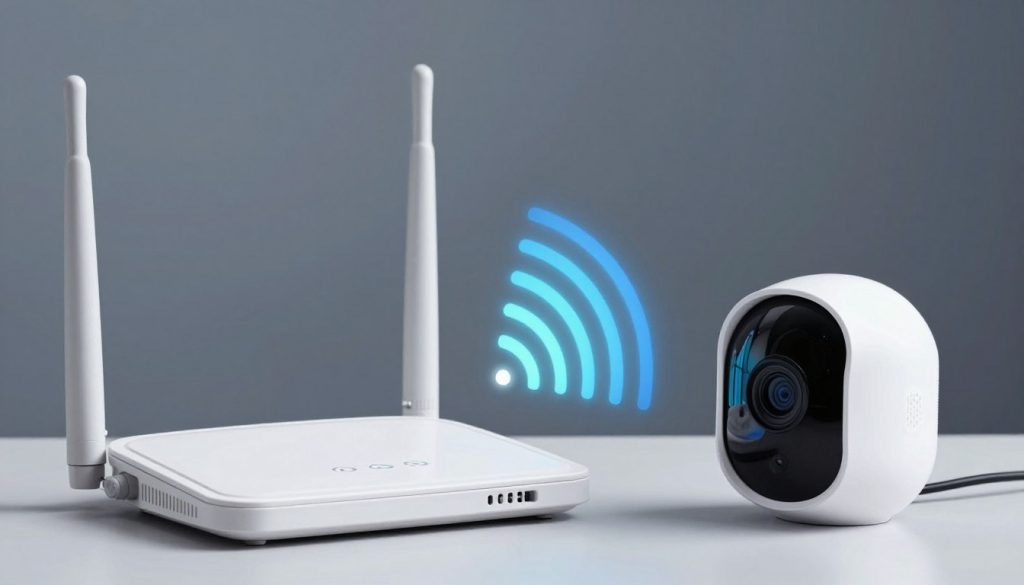
Strong WiFi signal ensures reliable camera operation. Check signal strength at installation locations before mounting. Most camera apps display WiFi signal strength during setup. Poor connectivity causes video buffering and missed alerts.
Position cameras within 30 feet of your WiFi router when possible. Walls and obstacles weaken signals between camera and router. Consider WiFi extenders or mesh network systems for large homes. These solutions eliminate dead zones and improve camera connectivity.
Some cameras only support 2.4GHz WiFi networks. Check your camera’s specifications before setup. Separate 2.4GHz and 5GHz networks if your router broadcasts both on the same name. This separation simplifies camera connection process.
Testing and Optimization
Test all camera features after installation completes. Verify video quality, night vision, and two-way audio functionality. Walk through monitored areas to trigger motion detection. Confirm that alerts arrive promptly on your smartphone.
Review recorded footage to assess video quality and coverage. Adjust camera angle if blind spots appear in important areas. Fine-tune motion detection sensitivity to balance alert frequency with reliability. Overly sensitive settings generate false alerts while low sensitivity misses events.
Schedule regular maintenance checks for your cameras. Clean lenses monthly to maintain image clarity. Verify that firmware stays updated through the mobile app. Test backup power options if available. Regular maintenance ensures consistent camera performance.
Understanding Indoor Camera Subscription Costs
Cloud storage subscriptions add ongoing costs to camera ownership. These services provide valuable features beyond basic recording. Understanding subscription tiers helps you budget accurately and choose appropriate plans.
Major Subscription Services Compared
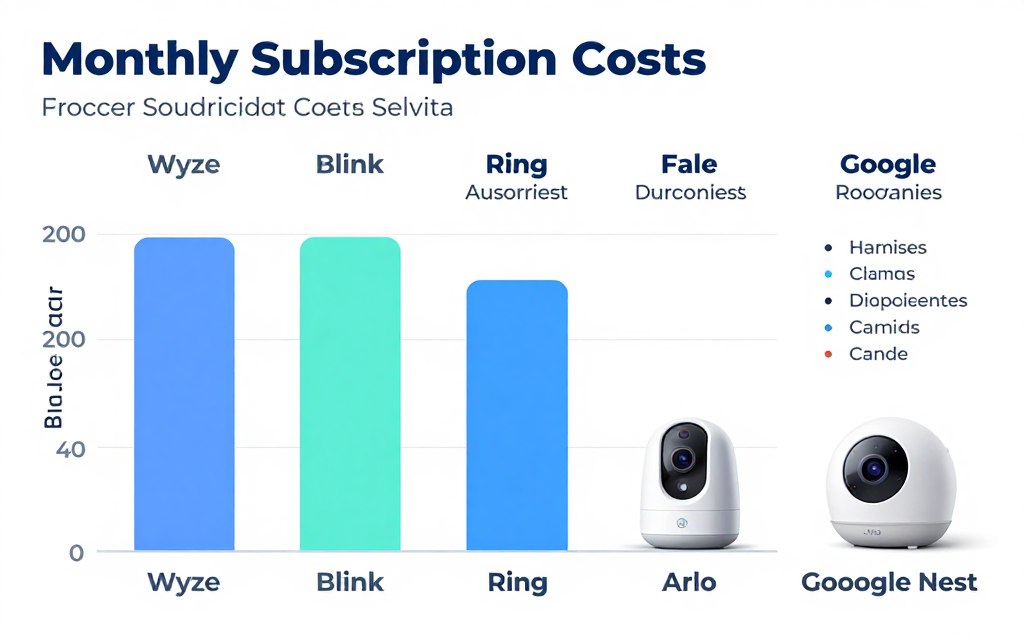
Wyze Cam Plus offers exceptional value at approximately $2 per camera monthly. The subscription includes 14 days of rolling video history. Person detection, package detection, and pet detection come standard. Cam Plus Unlimited covers unlimited cameras for about $10 monthly.
Blink Subscription Plan costs around $3 per camera monthly. The service stores video clips for 60 days. You can purchase multi-camera plans covering all Blink devices. Annual payment options provide moderate discounts over monthly billing.
Ring Protect Plan starts at approximately $4 monthly per camera. The basic plan includes 180 days of video history. Ring Protect Plus covers unlimited cameras and includes extended warranties. The higher tier costs about $10 monthly for entire home coverage.
Arlo Secure plans begin around $5 monthly for single cameras. The subscription adds 30-day cloud storage and advanced AI detection. Multi-camera plans scale pricing for households with several cameras. Premium tiers extend storage to 60 days with additional features.
Google Nest Aware costs approximately $6 monthly for first-generation plans. The service provides 30 days of event video history. Nest Aware Plus extends storage to 60 days for about $12 monthly. Continuous recording requires the Plus tier subscription.
Free Storage Alternatives
Several cameras offer limited free cloud storage. These options reduce ongoing costs for budget-conscious users. Understand limitations before relying on free tiers for important monitoring.
Google Nest cameras include three hours of event history free. This limited window suits checking recent activity. The free tier lacks person detection and continuous recording. Consider paid subscription for comprehensive monitoring needs.
Local storage via microSD cards eliminates subscription requirements entirely. Cameras from Wyze, TP-Link, and others support this approach. Purchase high-capacity cards for extended recording time. Local storage works without internet connectivity.
Important Consideration: Some camera features exclusively require subscriptions. Person detection, familiar face recognition, and extended video history typically need paid plans. Verify which features you need before committing to subscription-free options. Basic functionality works without subscriptions on most cameras.
Calculating Total Ownership Cost
Camera price represents only initial investment. Calculate total cost over several years including subscriptions. A $100 camera with $10 monthly subscription costs $220 in the first year. Compare total costs rather than just upfront prices.
Budget cameras with expensive subscriptions may cost more long-term. Premium cameras with affordable subscriptions can prove more economical. Consider multi-camera household needs when comparing subscription plans. Family plans covering unlimited cameras save money for larger installations.
Annual subscription prepayment typically saves 15-20% versus monthly billing. Most services offer annual options with reduced rates. Prepaying makes sense when confident in your camera choice. Monthly billing provides flexibility for testing different systems.
Maintaining Your Indoor Security Camera
Regular maintenance ensures cameras continue performing optimally. Simple upkeep prevents common problems and extends device lifespan. Most maintenance tasks take just minutes to complete.
Cleaning and Physical Maintenance
Camera lenses accumulate dust and smudges over time. Dirty lenses reduce image clarity and may affect night vision. Clean lenses monthly using microfiber cloths designed for optics. Avoid paper towels or rough materials that might scratch the lens surface.
Gently wipe the lens in circular motions from center to edge. Use lens cleaning solution if smudges resist dry wiping. Never spray cleaners directly on cameras. Apply cleaning solutions to the cloth first to prevent liquid damage.
Check camera mounting security during cleaning sessions. Tighten any loose screws or mounting hardware. Verify that adhesive mounts maintain strong attachment. Repositioned cameras may need angle adjustments for proper coverage.

Software Updates and Firmware
Camera manufacturers release firmware updates regularly. These updates fix bugs, improve features, and enhance security. Enable automatic updates in your camera’s mobile app settings. Automatic updates ensure you never miss important improvements.
Check for updates manually if automatic updates are disabled. Most apps show current firmware version in camera settings. Compare your version with latest release on manufacturer websites. Update notifications often appear in the mobile app home screen.
Updates may temporarily interrupt camera operation during installation. Schedule updates during times when monitoring is less critical. Most firmware updates complete within five to ten minutes. The camera automatically restarts after successful update installation.
Network and Connectivity
Monitor your camera’s WiFi connection strength periodically. Weak signals cause video buffering and missed alerts. Most apps display connection quality in camera settings or device information. Move cameras closer to routers if signal strength drops below acceptable levels.
Restart cameras experiencing persistent connectivity issues. Unplug power for thirty seconds before reconnecting. This simple reset resolves many temporary glitches. Contact manufacturer support if connection problems persist after restarting.
Update your router’s firmware to maintain network stability. Router updates improve compatibility with smart home devices. Modern routers automatically download and install updates. Check router settings to enable automatic firmware updates.
Storage Management
MicroSD cards require occasional formatting to maintain performance. Old files and corrupted data slow card operation over time. Format cards every few months through the camera app. Formatting erases all recordings so download important footage first.
Check cloud storage usage if subscriptions have storage limits. Delete old recordings to free space for new footage. Most services automatically overwrite oldest recordings when storage fills. Review retention settings to balance storage capacity with needs.
Monitor available storage space on local and cloud options. Apps typically display remaining storage capacity. Upgrade storage plans or insert larger microSD cards before space runs out. Running out of storage prevents new recording.
Privacy and Security Maintenance
Change camera account passwords regularly for security. Use strong, unique passwords different from other accounts. Enable two-factor authentication if your camera system supports it. Additional authentication prevents unauthorized account access.
Review user permissions and shared access periodically. Remove access for people who no longer need camera control. Revoke permissions when household members move out or employment ends. Limit shared access to trusted individuals only.
Check privacy settings to ensure appropriate recording schedules. Disable recording during family gatherings or private events. Geofencing helps automate privacy modes based on location. Regular privacy audits maintain household trust and security balance.
Troubleshooting Common Indoor Camera Problems
Indoor security cameras occasionally experience technical issues. Most problems have simple solutions you can implement yourself. This troubleshooting guide addresses frequent concerns and their fixes.
Connection and WiFi Issues
Cameras that won’t connect to WiFi frustrate many users. First verify your network password is correct. Reenter credentials carefully in the camera app. Case sensitivity matters for WiFi passwords.
Confirm your camera supports your WiFi network type. Many cameras only work with 2.4GHz networks. Dual-band routers broadcasting 2.4GHz and 5GHz on one name confuse setup. Temporarily disable 5GHz or separate network names during initial connection.
Move the camera closer to your router during setup. Distance and obstacles interfere with initial connection. Complete setup near the router then move to permanent location. Test connectivity at the final position before securing mounting.
Router firewall settings sometimes block camera connections. Check router security settings and ensure UPnP is enabled. Add camera MAC addresses to router’s device whitelist. Consult router documentation for specific configuration instructions.
Video Quality Problems
Blurry or pixelated video indicates several possible issues. Clean the camera lens first as smudges commonly degrade quality. Dirty optics cause soft focus and hazy footage. Regular lens cleaning prevents this problem.
Check internet upload speed if streaming quality suffers. Slow upload speeds prevent high-resolution streaming. Run speed tests to verify adequate bandwidth. Camera manufacturers specify minimum speed requirements in documentation.
Adjust video quality settings in the camera app. Higher quality requires more bandwidth and storage. Lower settings suit slower connections while maintaining acceptable footage. Balance quality needs with available bandwidth.
Poor lighting affects video quality regardless of camera capabilities. Add lighting to dim areas or enable night vision earlier. Cameras struggle with extreme darkness or direct backlighting. Adjust lighting or camera position to improve conditions.
Motion Detection Issues
Excessive false alerts annoy users and drain battery on wireless cameras. Reduce motion sensitivity in app settings to decrease false triggers. Lower sensitivity requires more movement to trigger alerts. Find the balance between accuracy and missed events.
Configure activity zones to monitor specific areas only. Zones exclude irrelevant motion like swaying trees or street traffic. Draw zones around doorways and important areas. Ignore zones with frequent non-threatening movement.
Missed motion events suggest opposite problems from false alerts. Increase sensitivity if camera doesn’t detect important activity. Position cameras to face movement direction rather than approaching directly. Perpendicular movement triggers detection more reliably than head-on approach.
Update camera firmware to improve motion detection algorithms. Manufacturers refine detection accuracy through software updates. New firmware versions often reduce false positives while maintaining sensitivity. Enable automatic updates to receive improvements promptly.
Audio Problems
Microphone issues prevent hearing sounds near the camera. Verify that microphone isn’t muted in app settings. Look for audio icons or settings controlling microphone input. Some cameras physically block microphones when privacy mode activates.
Speaker problems affect two-way audio communication. Test speaker function by using app’s talk feature. Increase volume settings if audio is too quiet. Check for obstructions covering speaker grills or vents.
Echo or feedback during two-way communication creates annoying loops. Reduce speaker volume to prevent microphone from picking up output. Position smartphones away from camera speakers during conversations. Echo cancellation features in premium cameras minimize this issue.
Recording and Storage Issues
Missing recordings indicate storage problems or subscription issues. Verify cloud subscription remains active and not expired. Check payment methods and subscription status in the app. Lapsed subscriptions prevent new recordings from saving.
Full microSD cards stop recording when capacity exhausts. Format cards periodically or enable automatic overwrite settings. Larger capacity cards extend recording time before filling. Check card compatibility with camera before purchasing upgrades.
Corrupted video files appear as unplayable or missing clips. Remove and reformat microSD cards in cameras experiencing frequent corruption. Use high-quality cards designed for continuous recording. Cheap cards fail faster under constant write cycles.
Still Having Problems? Contact manufacturer customer support for persistent issues. Provide specific error messages and troubleshooting steps already attempted. Support teams access advanced diagnostic tools and replacement options. Most manufacturers offer email, phone, and chat support channels.
Frequently Asked Questions About Indoor Security Cameras
Do indoor security cameras work without WiFi?
Some indoor cameras function without WiFi using local storage. These cameras record to microSD cards without internet connectivity. However, you lose remote viewing, notifications, and cloud storage features. WiFi-free operation suits specific scenarios like vacation homes without internet. Most modern features require WiFi connectivity for full functionality.
Can indoor cameras be used outdoors?
Indoor cameras should not be used in exposed outdoor locations. These devices lack weatherproofing required for rain, snow, and temperature extremes. Moisture damages internal electronics quickly. However, some indoor cameras work in covered outdoor areas like enclosed porches. Check IP ratings and manufacturer specifications before outdoor placement. Best outdoor cameras feature weatherproof construction specifically designed for exterior use.
How much internet speed do security cameras need?
Most indoor security cameras require 2-4 Mbps upload speed per camera. 1080p cameras use approximately 2 Mbps while 2K cameras need 3-4 Mbps. Multiple cameras multiply bandwidth requirements. A home with four 1080p cameras needs 8 Mbps upload capacity minimum. Test your internet speed before purchasing multiple cameras. Slow connections cause buffering and failed uploads to cloud storage.
Are indoor cameras always recording?
Recording behavior depends on camera model and settings. Some cameras offer continuous recording with subscription plans. Others record only when motion or sound triggers detection. Motion-activated recording conserves storage space and power. You can typically configure recording schedules in the mobile app. Continuous recording requires either large microSD cards or cloud storage subscriptions.
Do security cameras require monthly fees?
Monthly fees depend on storage method and desired features. Cloud storage typically requires subscriptions ranging from $3-10 per camera monthly. Local storage via microSD cards has no monthly costs after card purchase. Basic live viewing works without subscriptions on most cameras. Advanced features like person detection and extended video history usually require paid plans. Choose cameras supporting local storage to avoid mandatory subscriptions.
Can security cameras be hacked?
Security cameras can potentially be hacked but proper precautions minimize risks. Use strong, unique passwords for camera accounts. Enable two-factor authentication when available. Keep firmware updated to patch security vulnerabilities. Avoid cheap cameras from unknown manufacturers lacking security features. Reputable brands invest in cybersecurity and regular updates. Purchase cameras from trusted manufacturers with proven security records.
How long do indoor camera recordings last?
Recording duration depends on storage capacity and recording mode. A 128GB microSD card stores 3-7 days of continuous 1080p footage. Cloud storage retention varies by subscription plan from 14 to 180 days. Motion-activated recording extends storage duration significantly. Continuous recording requires larger storage capacity than event-based recording. Most cloud subscriptions automatically delete oldest footage when storage fills.
Do indoor cameras work in complete darkness?
Yes, cameras with night vision work in complete darkness. Infrared LEDs illuminate scenes invisible to human eyes. The camera sensor detects reflected infrared light. Footage appears in black and white but remains clear and detailed. Night vision range typically extends 15-30 feet. Color night vision requires some ambient light or built-in spotlights. Complete darkness limits color night vision effectiveness compared to infrared mode.
Can I view multiple cameras on one screen?
Most camera apps support multi-camera viewing in grid layouts. View 4, 9, or 16 cameras simultaneously on smartphones or tablets. Smart displays like Echo Show and Google Nest Hub show camera feeds. Some systems allow custom layouts prioritizing important cameras. Multi-camera viewing requires all cameras from the same manufacturer. Mixed-brand systems need separate apps for each manufacturer.
What’s the difference between 1080p and 2K cameras?
2K cameras offer approximately 1.5 times more pixels than 1080p cameras. The higher resolution provides sharper images when zooming digitally. 2K footage reveals more details like facial features and text. However, 2K cameras require more storage space and bandwidth. The quality difference matters most when identifying details in footage. For general monitoring, 1080p provides adequate clarity at lower cost.
Final Recommendations: Choosing Your Best Indoor Camera
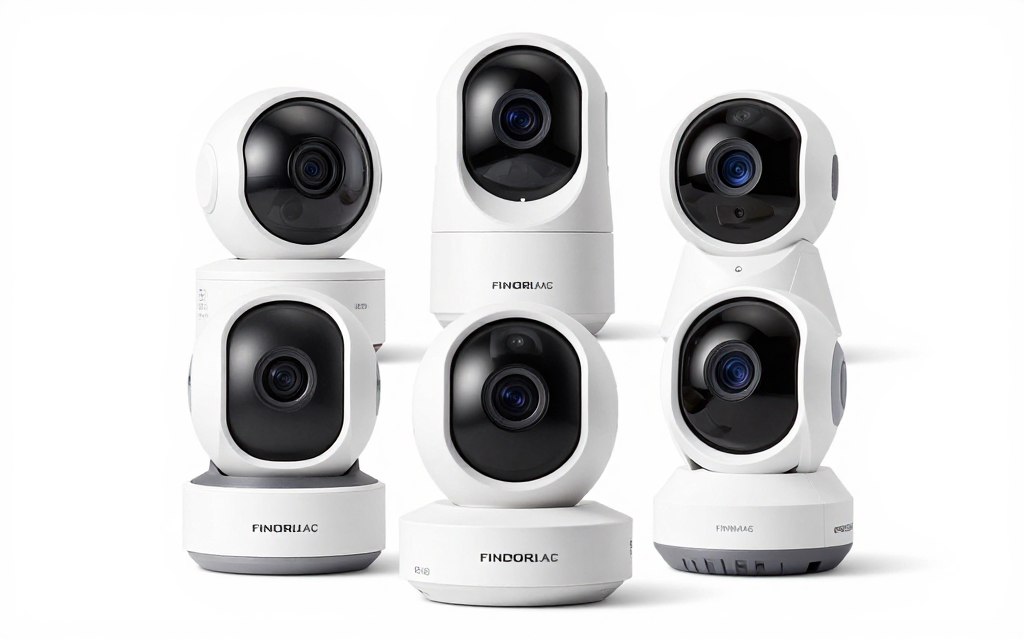
Selecting the best indoor camera depends on your specific security needs and budget. This comprehensive guide examined six top-performing cameras across different price ranges and feature sets. Each recommendation excels in particular scenarios.
Best Overall Choice
The Wyze Cam v4 earned our Editor’s Choice designation for exceptional value. The 2.5K resolution and color night vision outperform cameras costing twice as much. Local storage via microSD eliminates mandatory subscriptions. The combination of premium features and budget pricing makes this camera the smart choice for most households.
Consider the Wyze Cam v4 if you want maximum features without ongoing subscription costs. The camera suits budget-conscious buyers who refuse to compromise on video quality. Multiple cameras can monitor your entire home without expensive monthly fees.
Ready to Secure Your Home?
The Wyze Cam v4 offers the best combination of features, quality, and value. Start protecting your home today with our top-rated indoor security camera.
Best for Budget Shoppers
The Blink Mini 2 provides excellent value for tight budgets. The ultra-wide 143-degree field of view covers more space than competing budget cameras. Amazon’s backing ensures reliable support and integration with Alexa. Choose this camera when initial cost matters most.
Best for Smart Home Integration
Ring Indoor Cam integrates perfectly with existing Ring systems. The manual privacy cover provides physical security you can see and trust. Consider this option if you already own Ring doorbell or outdoor security equipment. The unified app simplifies managing multiple security devices.
Best for Advanced Features
TP-Link Tapo C120 delivers pan-tilt functionality and motion tracking. The 2K resolution combined with 512GB storage support creates a powerful monitoring solution. Choose this camera when you need comprehensive coverage of large rooms. Motion tracking ensures you never miss important activity.
Best for Privacy
Arlo Essential Indoor excels with automated privacy features. Geofencing disarms cameras when you arrive home automatically. The extensive smart home compatibility works across all major platforms. Select this camera if privacy automation is your priority.
Best for Google Users
Google Nest Cam Indoor suits Google Home ecosystem users perfectly. The familiar face recognition with Nest Aware reduces unnecessary alerts. HDR video captures details in challenging lighting conditions. Choose Nest if you already use Google smart home products extensively.
Making Your Final Decision
Evaluate your specific needs against each camera’s strengths. Consider your existing smart home ecosystem and future expansion plans. Budget for potential subscription costs over several years. Most importantly, choose cameras from reputable manufacturers with proven support records.
Indoor security provides peace of mind and protection for your family. The right camera system adapts to your lifestyle while keeping your home secure. Start with one or two cameras in critical areas. Expand your system as needs and budget allow.
Compare All Top Picks
Review our detailed comparison table to find your perfect indoor security camera match based on resolution, features, and price.
Security cameras continue evolving with improved AI capabilities and better integration. Today’s cameras offer features that cost thousands of dollars just years ago. Modern indoor security cameras make professional-grade home monitoring accessible to every household.
The cameras reviewed in this guide represent the best indoor camera options currently available. Each has been thoroughly tested for video quality, features, reliability, and value. Your home deserves protection from a camera you can trust.